
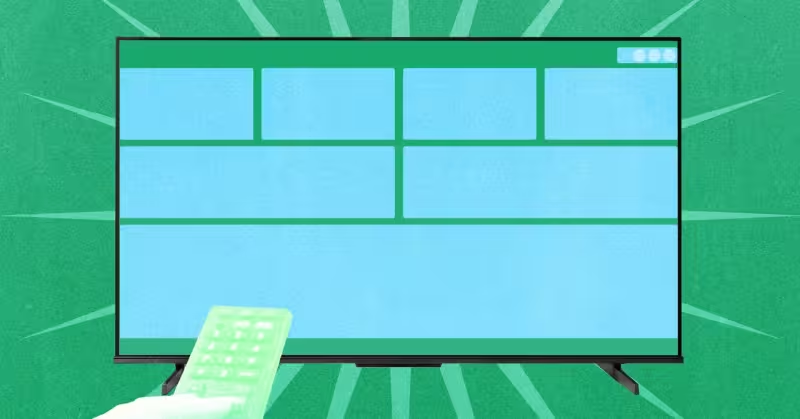
AT4K is a tv app that acts as an alternative home screen for Google TV, offering a cleaner, Apple TV–inspired layout that can replace the default launcher and strip away the ad-heavy front page.
The app is free with no advertisements and can be installed from Google Play; it includes an optional premium unlock for $5. On the home screen AT4K shows a clock and a cluster of controls in the top-right corner for application settings, system settings and connectivity, a row of boxes with thumbnails for shows you’re currently watching, and a row of five applications beneath that. Users can move or hide apps, and the launcher shows thumbnails only for the streaming services a user actually uses.

AT4K replaces the Google TV launcher by using an accessibility route built into the app’s settings. Inside the Settings menu there is a Controls section that lets users enable the accessibility service; once that service is granted, AT4K can launch when the TV turns on and it can take over when the user backs out of another app. That mechanism is the practical way the tv app becomes the persistent home experience on a Google TV set.
The change matters now because Google TV ships preinstalled on new sets from Sony, Hisense and TCL, and the default Google TV home screen is widely described as dominated by promotional ads for movies and shows. AT4K is presented as a cleaner alternative, modeled on the Apple TV interface, that surfaces what you watch and which apps you actually use rather than pushing promotional tiles to the center of the screen.
There is, however, a snag on some hardware. The author said their personal TV still took them to the Google launcher when they pressed the Home button. To work around that, the author used Button Remapper, another free tool, to change the Home button behavior so presses bring up AT4K instead. That sequence underlines a practical friction point: enabling the accessibility service lets AT4K open at boot and when backing out of apps, but some sets may still route the physical Home button to Google’s launcher unless the button mapping is changed.
For users who want to try it: install AT4K from Google Play, open its Settings and look for the Controls area to enable accessibility permissions. If AT4K does not appear as the result of the Home key, consider adding Button Remapper and reassigning the Home button to launch AT4K. The free version removes ads and offers the basic layout and app controls; unlocking the premium option costs $5 and is presented as an optional upgrade.
The unresolved question for owners and makers is whether AT4K can be made the default Home on every Google TV set without that extra remapping step. The app’s accessibility path gives AT4K the ability to start at boot and replace the launcher in many cases, but the need to reassign the Home button on some televisions exposes a gap between what an alternate launcher can do in software and how manufacturers wire up hardware buttons.
If you want a less cluttered Google TV experience, AT4K is available now on Google Play and is worth trying; those who find the Home key still returns to Google’s launcher should expect to enable accessibility and may need Button Remapper to complete the switch. Whether that extra step will be necessary across all Sony, Hisense, TCL and other Google TV sets remains the practical question users will be testing in the weeks ahead.