























FBI Recovers Signal Messages: How to Fix the Security Flaw

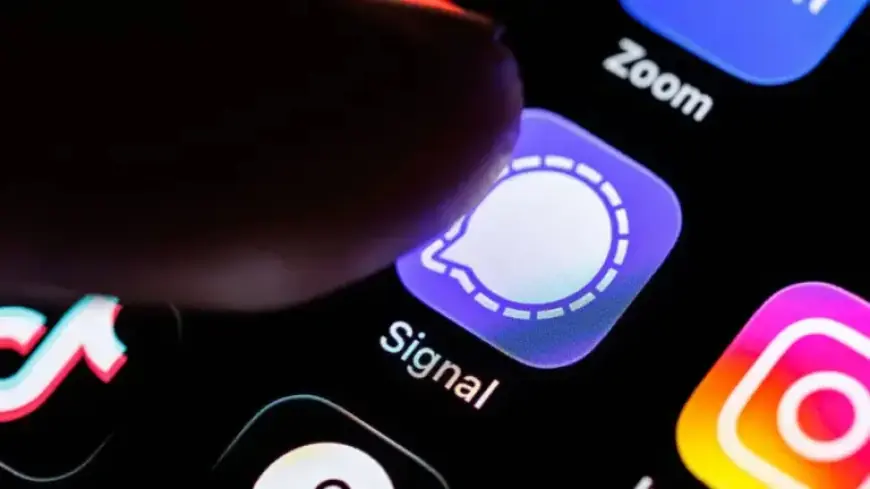
The FBI recently recovered Signal messages from a suspect’s iPhone, raising fresh privacy concerns. The retrieval came despite Signal’s end-to-end encryption and message expiration features.
What happened
Filmogaz.com reported that investigators accessed message content via an iPhone push notification database. The device owner had already deleted the Signal app when messages were recovered.
Push notifications can display message previews. When previews are stored in the phone’s notification database, they become accessible to forensic tools.
Why encryption wasn’t enough
End-to-end encryption protects messages in transit and at rest inside the app. It does not govern how notifications appear on a locked phone.
Any app using push notifications can leak content this way. The problem is rooted in notification handling, not message encryption.
How to fix the security flaw
There is a simple in-app setting that limits notification detail. Follow the steps in Signal’s Settings to hide message content from notifications.
- Open Signal and tap your profile picture in the top-left corner.
- Choose Notifications, then Notification Content.
- Select No Name or Content to prevent previews.
After changing this setting, notifications will still arrive. You must open Signal to read message text.
Why users should act
Disabling previews reduces the chance the FBI or others can recover Signal messages from a device. It closes the specific security gap tied to notifications.
Experts cited by Lifehacker recommend enabling this setting. Many argue it should be the default behavior for privacy apps.