























Super Bowl LX on NBC in 4K HDR—what viewers need to know about stream quality, delays, and the fastest way to join live

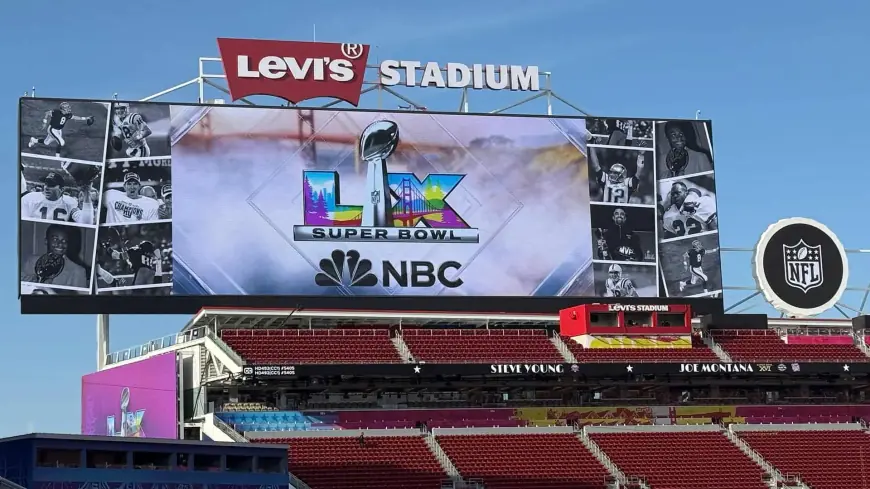
Super Bowl LX is being offered in 4K HDR across both the national broadcast feed and a major companion streaming option on Sunday, Feb. 8, 2026, alongside an all-day slate that also includes Winter Olympics coverage in the same format. Kickoff is set for 6:30 p.m. ET, but the biggest viewing questions today are practical: which version is truly 4K HDR, why the live stream feels behind, and how to jump in fast without missing the opening drive.
Where the 4K HDR feed actually is
Not every “live” version of the game is 4K HDR. Many services carry the broadcast in standard HD, while only specific 4K channels/feeds and the right in-app 4K stream deliver the ultra-high-definition HDR presentation.
To get real 4K HDR, you generally need:
-
A 4K TV with HDR turned on (your TV may label it HDR10, HLG, or Dolby Vision).
-
A compatible streaming device or set-top box that supports 4K HDR output.
-
The correct 4K feed selected inside your provider’s guide/app (the default channel is often HD).
If you only see “HD” or “1080p,” you’re likely on the standard feed—even if your TV is 4K.
Why streams are delayed compared with live TV
If you’ve ever had a friend’s phone alert you to a touchdown before you see it, that’s stream latency. The delay comes from several steps that don’t exist (or are much smaller) with over-the-air TV:
-
Video is encoded into multiple quality levels so it can adapt to your internet speed.
-
The stream is packaged in chunks and buffered on your device to prevent stutters.
-
Some platforms add extra delay for stability during peak traffic.
In short: streaming trades a bit of “real time” for fewer freezes. In recent seasons, common real-world delays have ranged from tens of seconds to over a minute, depending on the service, device, and home network conditions.
The fastest way to watch live with the least delay
If your top priority is being closest to real time, an over-the-air antenna tuned to your local broadcast signal is typically the fastest path. It’s also free once you have the antenna, and it avoids the buffering layer that causes most streaming lag.
If you want 4K HDR and also want the lowest possible delay, look for a low-latency 4K option offered by certain pay-TV ecosystems and apps built specifically to reduce the gap to the on-field action. One widely promoted “near-live” 4K format this week claims delivery just seconds behind the stadium feed and up to 30 seconds faster than other 4K providers.
Here’s a quick comparison:
| Option | Picture format | Typical delay feel | Best for |
|---|---|---|---|
| Antenna (local broadcast) | HD (often) | Lowest | Fastest “live” viewing |
| Standard streaming | HD or 4K (varies) | Medium to high | Convenience on any screen |
| 4K HDR streaming feed | 4K HDR | Medium | Best picture without cable |
| Low-latency 4K format | 4K HDR | Low | Best mix of 4K + minimal lag |
How to cut lag and join live quickly on streaming
If you’re using a streaming app and want to get “as live as possible,” these steps usually help right away:
-
Use the “Live” button (or scrub all the way to the right edge of the timeline).
-
Back out and re-enter the stream if you joined early and paused—some apps keep you behind.
-
Switch to the 4K feed intentionally (it may be a separate tile or channel).
-
Use wired internet (Ethernet) if you can; otherwise move closer to your router.
-
Close other heavy internet use in the home (uploads, game downloads, cloud backups).
One counterintuitive point: the 4K feed can sometimes be more stable than the HD feed during big moments if it’s served through a different pipeline—but it can also demand more bandwidth. If your stream keeps dropping resolution, prioritize stability first.
Stream quality checkpoints that fix most problems
If your picture looks soft, washed out, or stuck in HD, run these quick checks:
-
TV input setting: Many TVs require “Enhanced format / UHD color / HDMI deep color” enabled on the HDMI port.
-
Device output: Confirm your streamer is set to 4K and HDR is enabled.
-
App settings: Some apps default to “Auto” quality; if there’s a “Best available” toggle, turn it on.
-
Bandwidth reality: For consistent 4K HDR, a reliable connection (often ~20–25 Mbps or more) is a common practical threshold, especially if others are online.
If audio is out of sync, toggling subtitles on/off or briefly switching channels and returning can re-time the stream.
What time to tune in so you don’t miss kickoff
Kickoff is scheduled for 6:30 p.m. ET, but the actual kick can land a few minutes later due to the final pregame cadence. If you’re hosting or troubleshooting gear, the safest timing is:
-
6:00 p.m. ET: devices on, feed selected, sound checked
-
6:20 p.m. ET: confirm you’re on the correct version (HD vs 4K HDR)
-
6:25 p.m. ET: stay put—this is the “don’t miss the first snap” window
Sources consulted: NBC Sports Press Box; Business Wire; Consumer Reports; What Hi-Fi