

























Garmin Smartwatch Software Update: What’s New, How to Install, and Supported Models

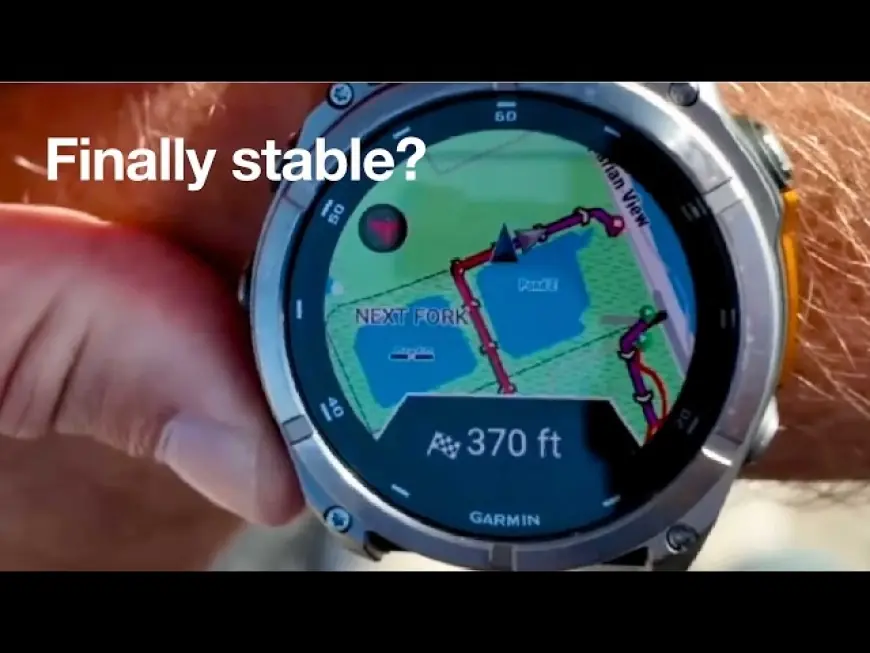
Garmin smartwatch software update rollouts are underway across multiple popular models, bringing performance fixes, battery optimizations, and expanded health and training features. If you own a Garmin wearable in the U.S., U.K., Canada, or Australia, here’s what you need to know about the latest firmware update and how to install it safely.
What’s New in the Garmin Smartwatch Software Update
The newest Garmin smartwatch software update focuses on three key areas:
1. Battery & Stability Improvements
Garmin has pushed background optimizations aimed at improving battery life during GPS tracking and daily activity monitoring. Users may notice:
-
More accurate battery percentage readings
-
Reduced overnight drain
-
Fewer random restarts
2. Expanded Health Tracking
Several models are receiving refinements to:
-
Sleep tracking accuracy
-
Heart rate variability (HRV) reporting
-
Body Battery insights
-
Stress monitoring metrics
Some higher-end models are also seeing improved menstrual cycle tracking data views and enhanced wellness summaries in the Garmin Connect app.
3. Activity & GPS Enhancements
Outdoor-focused watches now feature:
-
Faster satellite lock times
-
Improved multi-band GPS accuracy
-
Refined training readiness metrics
-
Updated activity profiles for strength and interval workouts
These improvements are particularly relevant for runners, cyclists, and triathletes preparing for spring racing season.
Which Garmin Watches Are Getting the Update?
The Garmin smartwatch software update applies to many current-generation devices, including:
-
Garmin Fenix 7
-
Garmin Epix Pro
-
Garmin Forerunner 965
-
Garmin Forerunner 265
-
Garmin Venu 3
-
Garmin Instinct 2
Availability may vary by region, but most updates roll out in phases over several days.
How to Install the Garmin Smartwatch Software Update
You can install the update using one of these methods:
Option 1: Automatic Wi-Fi Update
-
Connect your watch to Wi-Fi
-
Plug it into a charger
-
Go to Settings > System > Software Update > Check for Updates
If the update is available, the watch will download and install automatically.
Option 2: Garmin Connect Mobile App
-
Open the Garmin Connect app
-
Sync your watch
-
Follow prompts if an update is available
Option 3: Garmin Express (Desktop)
-
Connect your watch via USB
-
Open Garmin Express
-
Select your device
-
Install any available updates
It’s recommended to back up data and ensure your watch has at least 50% battery before updating.
Common Issues After a Garmin Smartwatch Software Update
Some users report temporary issues immediately after updating, including:
-
Slight battery recalibration (battery percentage may adjust over 24 hours)
-
Delayed widget loading during first reboot
-
Sync delays with Garmin Connect
These typically resolve after one or two restarts or a full sync cycle.
If problems persist, performing a soft reset (power off and restart) often clears minor glitches.
Should You Install the Latest Garmin Smartwatch Software Update?
In most cases, yes. Garmin firmware updates generally enhance performance, improve GPS accuracy, and fix known bugs. Unless you rely on a mission-critical feature during a race or expedition, keeping your device updated ensures you receive the most accurate tracking and health data.
For athletes and everyday fitness users alike, the latest Garmin smartwatch software update appears focused on refinement rather than radical interface changes—meaning smoother performance without altering the overall user experience.
If your device hasn’t prompted you yet, expect the rollout to reach all supported regions soon as Garmin continues its phased deployment strategy.