

























Restore Your Android’s Speed in Just 10 Minutes

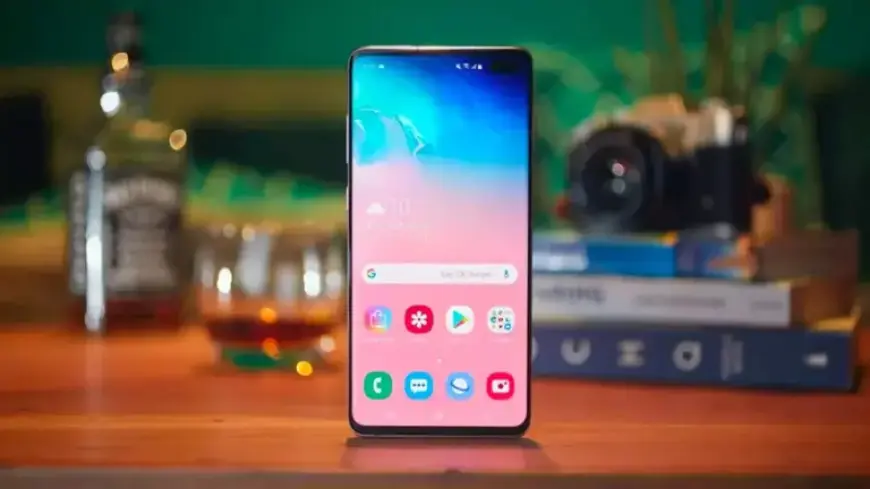
Many Android users face sluggish performance over time, leading to the misconception that their devices are ready for retirement. However, the reality is often less drastic. Slow app launches and lagging screens usually stem from accumulated digital clutter rather than hardware failure. Addressing this issue is simple and cost-effective, enabling users to improve their device’s speed significantly without spending any money.
Restore Your Android’s Speed in Just 10 Minutes
As we welcome the new year, it’s the perfect time to reclaim your phone’s performance. By clearing out unnecessary data, you can revitalize your device and make it respond as if it were brand new. Here’s how you can optimize your Android in just a few minutes.
1. Remove Unused Apps
Begin by removing any applications that you no longer use. These apps occupy valuable storage space and may have accessed personal permissions during installation. To uninstall these apps, follow these steps:
- Long-press the app icon on your home screen.
- Select the uninstall option.
- Alternatively, use the Google Play Store to uninstall apps.
2. Clean Up Old Files
Next, go through the files stored on your Android device. Forgotten downloads can accumulate over time, consuming precious space. To manage your files, use the preinstalled Files app or your device’s equivalent, such as My Files for Samsung devices.
- Open the Files app.
- Navigate to the Downloads folder.
- Delete unwanted files or move them to cloud storage like Google Drive.
3. Customize Your Home Screen
Enhance your device’s appearance by personalizing your home screen settings. Making small adjustments can create a fresh look:
- Long-press on a blank area of your home screen.
- Select Home settings to access customization options.
- Consider adjusting the app grid size for a different layout.
4. Optimize Device Settings
Now is an excellent time to optimize your device settings. Certain adjustments can improve both functionality and battery life:
- Activate dark mode for a visually pleasing experience and enhanced battery savings.
- Disable automatic app icon addition on your home screen.
5. Review Privacy Settings
Lastly, check your privacy settings to ensure apps do not have unnecessary access to your personal data. To review permissions:
- Open the Settings app.
- Navigate to Privacy > Permissions Manager.
- Review and modify access for each app as needed.
By following these steps, you can easily restore your Android’s speed in just 10 minutes. Enjoy a faster, more responsive phone without incurring any costs. Embrace the new year with a refreshed device and optimal performance.