



















Google Photos Introduces Time-Saving Image Sharing Feature

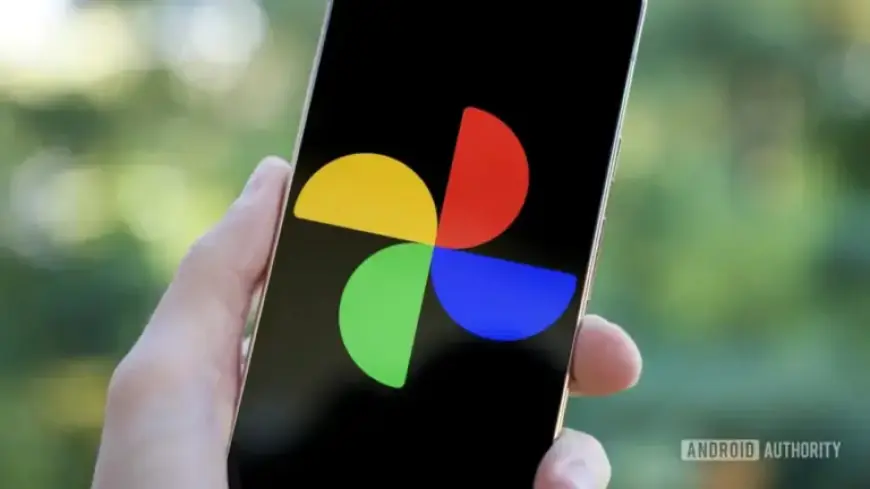
Google Photos has introduced a new feature aimed at enhancing the image-sharing experience for its users. This time-saving image sharing function allows users to copy smaller versions of images and videos directly to their device’s clipboard, streamlining the sharing process considerably.
New Copy Feature in Google Photos
The addition of the copy feature in Google Photos marks a significant update for users relying on the app for media sharing. Formerly, sending photos or videos involved a two-step process: downloading the content and then sharing it through various platforms. Now, this complexity has been simplified.
How the Feature Works
To utilize this feature, users simply need to select an image and tap the Share button. This will bring up the Google Photos share sheet, where they will find the new “Copy” option. By tapping this button, the selected image is automatically copied to the Android clipboard. You can then paste it easily into other applications, including messaging apps or note-taking tools.
Compatibility and Functionality
- The feature operates on devices using Google Photos version 7.71.0.895417930.
- It supports copying both photos and videos.
- Requires an internet connection for the initial media access.
When pasting into apps like X or Gboard, users will find the copied media available in their clipboard history. However, it’s important to note that the images may be in a smaller resolution than the originals, reducing quality but improving sharing efficiency.
Additional Updates from Google Photos
This update follows other enhancements made by Google, including a feature allowing adjustments to video playback speed. This combination of features underscores Google Photos’ commitment to improving user experience and functionality.
As users continue to engage with Google Photos, these updates make sharing and managing media more user-friendly and efficient.