
























Unlock Android Auto’s Hidden Shortcut for Effortless In-Car Task Automation

Android Auto offers a robust and convenient way to integrate your smartphone into your vehicle, enhancing your driving experience. One of the most underutilized features is the Custom Assistant shortcut, which allows for task automation with just a few taps.
Understanding Android Auto’s Custom Assistant
The Custom Assistant feature in Android Auto is designed to streamline your in-car tasks. It enables users to automate various functions on their phones while driving, making it a powerful tool for daily convenience.
Set-Up Process
Setting up the Custom Assistant shortcut is quick and straightforward. Here’s how to do it:
- Open the Android Auto settings on your phone.
- Select ‘Customize launcher’.
- Click on ‘Add a shortcut’.
- Choose the ‘Assistant action’ option.
- Input your custom command.
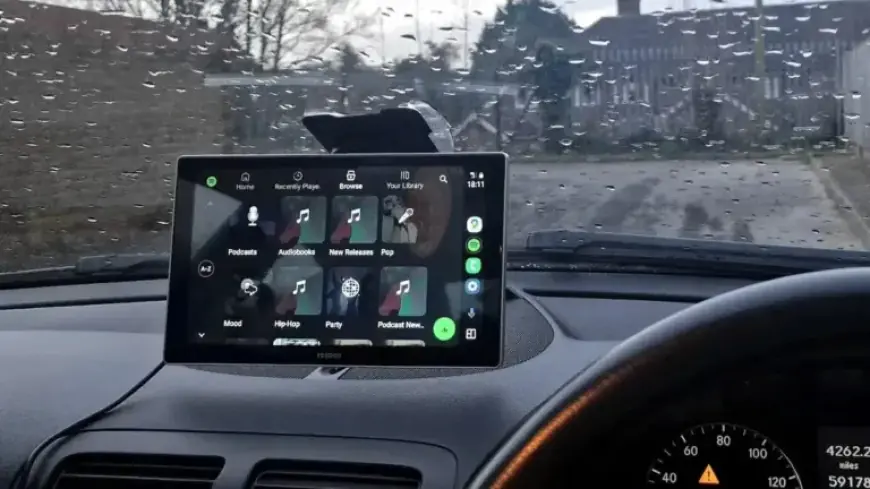
Once configured, simply connect your phone to your car or an Android Auto display. You will see the new shortcut represented as an app icon for easy access.
Examples of Useful Shortcuts
The Custom Assistant can trigger several preset actions. Here are some examples:
- “Navigate to the nearest service station.”
- “Play my latest podcast episode.”
- “Inform [Name] that I’m on my way.”
- “I’m returning home.”
- “Route to my workplace.”
For instance, saying “I’m departing for work” can activate your home’s HVAC system to energy-saving mode and ensure all lights are off prior to leaving.
The Advantage of Google Gemini
Recent updates have introduced Google Gemini to Android Auto, enhancing the functionality of the Custom Assistant. This allows users to handle more complex commands seamlessly, further simplifying interactions while on the road.
Considerations for Use
These shortcuts are linked to your Google account, ensuring they are accessible across different vehicles equipped with Android Auto. However, keep in mind that a cellular connection is required for these features to function properly, which may limit their usability in areas with weak signal coverage.
In conclusion, utilizing Android Auto’s Custom Assistant shortcut not only enhances your driving experience but also helps automate essential tasks, making your journey more efficient and enjoyable.