























Microsoft Introduces Chrome-like Feature Flags in Windows 11 to Expedite Updates

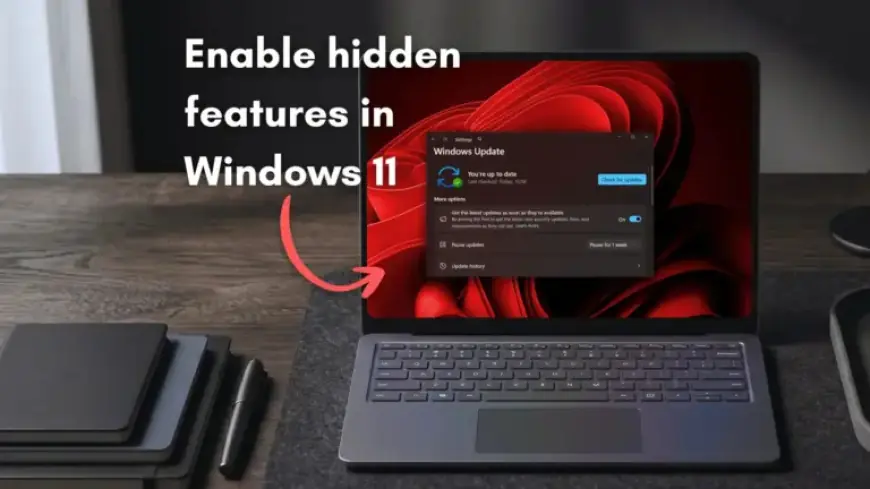
Microsoft is set to introduce a “Feature Flags” page in the Windows 11 Settings app, enhancing the user experience for Insiders. This new feature will allow users to manually enable or disable certain hidden features without relying on third-party tools. Previously, users had to wait for Microsoft’s Controlled Feature Rollout (CFR) or use tools like ViVeTool to access new functionalities. The introduction of Feature Flags signifies a move towards greater user control and access to Windows 11 features.
Overview of Feature Flags in Windows 11
The Feature Flags page will appear in the Windows Insider Program settings. Users can find it under the “Choose your Insider settings” option. Microsoft confirmed they are testing this feature to provide easier access for enthusiasts eager to experiment with new updates.
Key Components of the Feature Flags Page
The Feature Flags page will include several components:
- A search flag option for easy navigation.
- A list of currently available feature flags.
- An “Inactive Flags” section that displays features that have completed their rollout.
Microsoft has issued a warning indicating that toggling these features may impact system performance or stability. This caution highlights the company’s commitment to isolating the effects of individual features through controlled testing environments.
Benefits of the New Feature
The addition of the Feature Flags page considerably simplifies the process of testing new features. Windows Insiders can toggle features on or off without extensive troubleshooting or waiting for official releases. This proactive approach addresses feedback from the testing community and streamlines the feature activation process.
What to Expect
While the Feature Flags page is currently hidden in build 26300.8155, Microsoft plans to make it widely accessible. Insights from company representatives suggest that further details will be shared soon. The anticipated rollout is expected to occur in the coming weeks, potentially as early as mid-April.
Historical Context of Windows Insider Features
Historically, the Windows Insider Program has evolved significantly. The introduction of CFR aimed to distribute updates more safely, often leaving some users without access to new functionalities. Previous initiatives, like the “Experimental Features” option, were ultimately abandoned. The current initiative aims to address the desires of the user community for more hand-on engagement with new features.
As Microsoft prepares to unveil new features and improvements for Windows 11, the introduction of the Feature Flags page signals an exciting time for users who wish to partake in the testing process. By allowing Insiders to enable features directly, Microsoft hopes to foster a more engaged and proactive community.
Conclusion
The Feature Flags initiative is a significant enhancement for Windows 11 Insiders. It opens up new opportunities for users to interact with upcoming features and provides vital feedback loops to Microsoft. For anyone interested in being at the forefront of Windows updates, this is an opportune moment to become a Windows Insider.