























Script Empowers Users to Disable Built-In AI Features in Windows 11

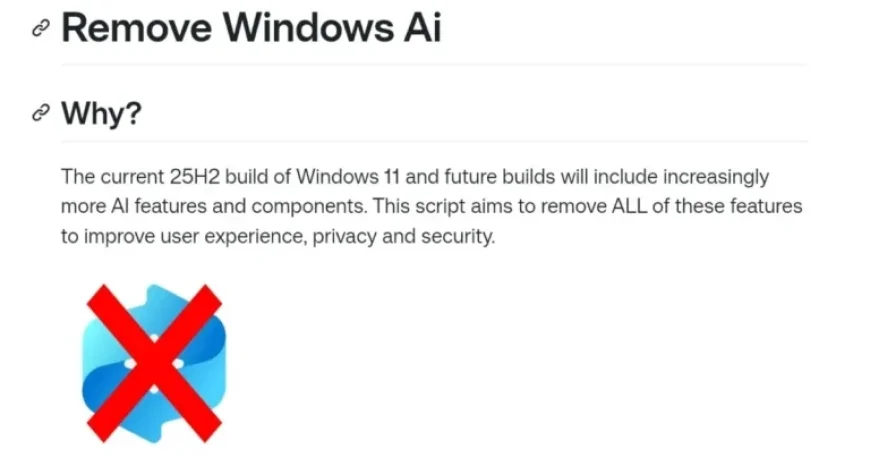
Users of Windows 11 have experienced an increase in artificial intelligence (AI) functionalities over the past year. With features like Copilot and Recall, these integrations have become prominent. However, some users prefer a more minimalistic approach to their operating systems, seeking to disable these built-in AI features.
Introducing the PowerShell Script to Disable AI Features
A developer known as Zoicware has created a PowerShell script called “Remove Windows AI.” This script is available on GitHub and offers a solution for those who wish to eliminate Microsoft’s AI features.
Key Features of Remove Windows AI Script
- Targets Multiple Features: The script can disable Copilot, Recall, Windows Studio Effects, and various background services.
- Active Maintenance: Zoicware updates the script regularly to ensure it can remove new AI components as they’re introduced.
- User Input: Users are encouraged to report any AI features or registry keys that the script does not currently address for future updates.
Utility and Accessibility
The Remove Windows AI script is straightforward to download and implement. Users can find it on GitHub, where access to the code and instructions is provided.
Community Engagement
To foster a community around the script’s development, users can share their experiences and suggestions with Zoicware. This collaborative approach ensures continuous improvement and adaptation of the script to meet user needs.
For those interested in maintaining privacy or simplifying their Windows 11 experience, the Remove Windows AI script serves as a practical tool for disabling unwanted AI features.
The post