

























Chrome 147 Launches Stable Version with New Restrictions and Web Printing API

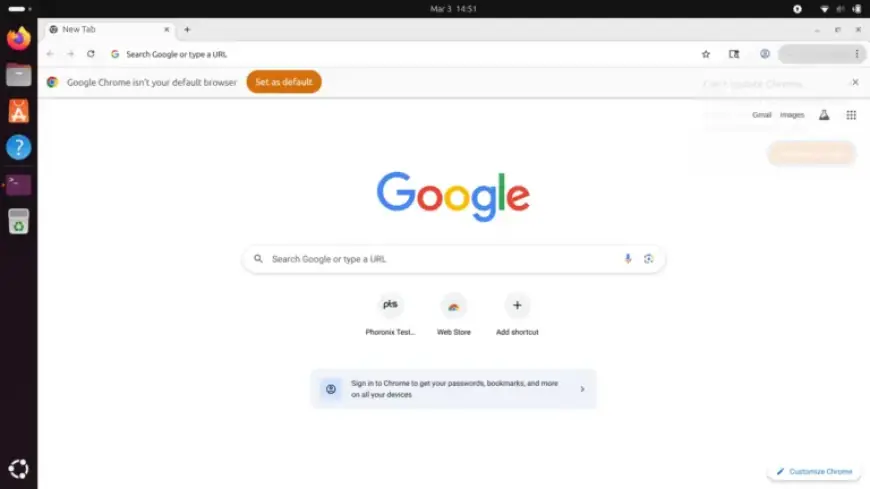
Google has officially launched the Chrome 147 stable version for Windows, macOS, and Linux users. This release introduces several enhancements, features, and crucial restrictions aimed at improving security and developer experience.
Key Changes in Chrome 147
The new update implements several Local Network Access (LNA) restrictions. These changes are designed to bolster user safety against various online threats.
Local Network Access (LNA) Enhancements
- WebSockets Security: Chrome 147 mandates permission prompts for WebSockets connections to local addresses. This measure addresses potential attacks associated with these connections.
- WebTransport Restrictions: The update also enforces LNA restrictions on WebTransport, limiting how sites can utilize this technology for local network fingerprinting.
- Service Workers Limitations: Service Workers are now restricted through WindowClient.navigate() calls, enhancing the previous limitations set on their functionality.
New Features in Chrome 147
Alongside restrictions, Chrome 147 introduces the Web Printing API. This feature facilitates deeper integration of printing capabilities within isolated web applications.
- CSS Updates: Developers can now access new CSS features such as border-shape and contrast-color().
- JavaScript Innovations: The update includes new JavaScript tools, including WebXR Layers and WebXR Plane Detection.
- Lazy Loading for Audio/Video: HTML audio and video elements will be lazy-loaded when approaching the viewport, optimizing page load speeds similar to images and iframes.
- WebNN Advancement: The Web Neural Network API has been promoted to origin trial, enabling robust machine learning experiences by utilizing native operating system services and enhanced hardware acceleration.
Conclusion
Chrome 147 represents a significant step forward for both users and developers. With improved security measures and enriched functionality, this update ensures a more secure and efficient web-browsing experience. For more information, users can visit the Chrome Releases Blog and explore the updates on ChromeStatus.com.