

























Chrome Enhances Browsing with Vertical Tabs Support

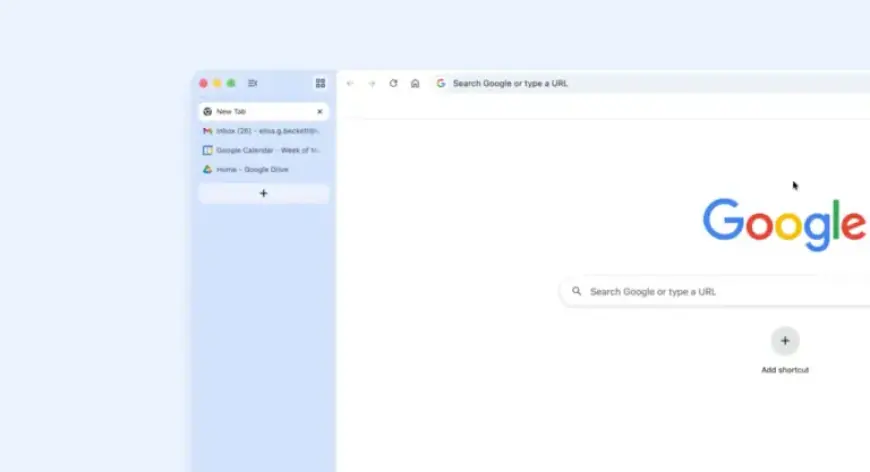
Google is enhancing the browsing experience for Chrome users with a new update introducing vertical tabs support on desktop. With this feature, users can manage their tabs more effectively by switching from the traditional horizontal layout to a vertical arrangement.
New Vertical Tabs Feature
To activate the vertical tabs functionality, users can right-click on any Chrome window and select “Show Tabs Vertically.” This update positions Chrome among other major browsers that have already incorporated such a feature.
Comparison with Other Browsers
- Firefox: Supports vertical tabs since March 2022, offering a user-friendly interface for tab management.
- Safari: Also provides vertical tab options, though users may find the grouping methods confusing.
Enhanced Reading Mode
In addition to vertical tabs, Chrome is rolling out a new reading mode. This feature creates a full-page interface designed to minimize distractions when browsing busy webpages.
To access reading mode, users can right-click on a page and select “Open in reading mode.” This upgrade aims to facilitate a more focused reading experience, making it easier to navigate content without interruptions.
Availability of Updates
As is common with Chrome updates, the rollout may take a few days to reach all users. Therefore, patience is essential if the new features do not appear immediately.