























Explore 4 Smart Ways to Utilize Your PC’s Thunderbolt Port

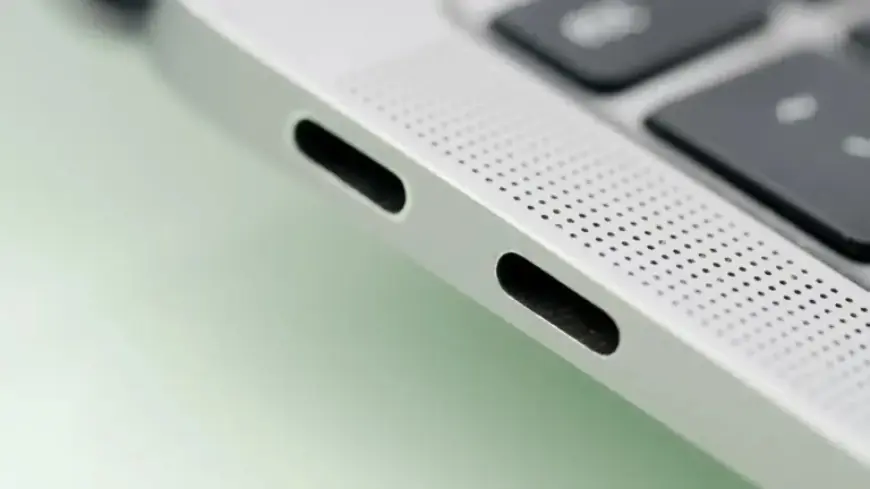
The Thunderbolt port has become a vital connectivity option for modern laptops. This high-speed interface offers data transfer and charging capabilities far superior to standard USB-C ports. It is commonly utilized to connect high-end monitors and enhance various computing workflows.
Smart Ways to Utilize Your PC’s Thunderbolt Port
1. High-Speed Data Transfers
One major advantage of using a Thunderbolt port is the ability to facilitate rapid data transfers. The latest Thunderbolt 5 protocol supports an impressive 80 gigabits per second, compared to the 20 gigabits offered by USB-C 3.2. This significant speed difference enables faster access to large files stored on external drives.
For video editors or anyone dealing with massive files, storing project files on a Thunderbolt-compatible SSD keeps your laptop’s internal storage clutter-free. By connecting the drive during editing sessions, you can access your files at speeds comparable to internal storage.
2. Boot an Alternate Operating System
Thunderbolt ports also allow users to boot different operating systems from external drives. For this function, you’ll need to create a bootable external drive. On macOS, simply set it as your main installation drive; on Windows, tools like Rufus can assist. This capability is especially useful for troubleshooting or maintaining multiple OS environments for various tasks.
3. Expand Gaming Performance with External GPUs
Another exceptional application of the Thunderbolt port is connecting an external GPU (eGPU). Laptops often come equipped with less powerful GPUs, limiting their gaming performance. An eGPU enclosure houses a full-sized graphics card and connects to a laptop via Thunderbolt, significantly improving graphics and gaming capabilities. This setup is particularly beneficial for compact laptops that cannot accommodate high-performance internal GPUs.
4. Streamline Your Desk Setup with a Docking Station
Thunderbolt docking stations enhance productivity by simplifying your workstation. These docks support multiple connections, including 4K high-refresh monitors and gigabit internet. The Thunderbolt 5’s capacity allows you to connect various peripherals through a single port, reducing cable clutter. Additionally, these docks enable pass-through charging, allowing users to power their laptops and other devices simultaneously.
Conclusion
Incorporating the Thunderbolt port into your computing routine provides unmatched versatility. From high-speed data transfers to enhanced gaming experiences and simplified desk setups, this technology opens a world of possibilities. Embracing these functionalities can significantly improve efficiency and performance, making the Thunderbolt port an essential tool for any PC user.