

























Windows 11 Requires Admin Access, Disrupts Temporary Files Cleanup

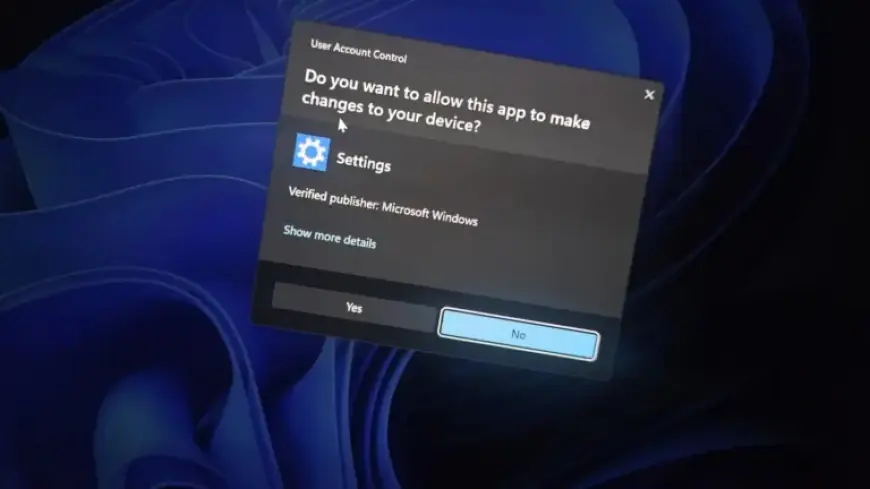
Microsoft’s recent update, Windows 11 KB5074105 (Build 26200.7705), introduced changes that may disrupt user experience. One notable change requires administrator access to access the Storage settings, which has sparked mixed reactions among users.
Admin Access Requirement for Storage Settings
As confirmed by Microsoft, this modification is intentional and not a malfunction. When users attempt to open Storage settings, they must now face a User Account Control (UAC) prompt for verification. This added layer protects sensitive system locations from unauthorized access by standard user accounts or malicious entities.
Temporary File Cleanup Disruption
Alongside the admin access requirement, users are encountering issues with the Temporary files cleanup feature. Many report that the update has resulted in missing folders such as Windows Update files from the cleanup options.
- Key Features of Windows 11 KB5074105:
- Introduces required admin permission for Storage settings access.
- Non-elevated context restricts visibility for Temporary files cleanup.
- Fewer options available within the Cleanup section of Storage settings.
After granting admin access to Storage settings, users noticed that options for cleaning Windows Update files and device drivers were no longer available. Instead, these can still be accessed via the Disk Cleanup tool, which functions correctly when elevated, unlike the Temporary files section in Storage settings.
Additional Features and Updates
Windows 11 users on Build 26200.7705 can also explore other new features. A prominent addition is the Cross Device Resume capability, particularly useful for Android apps. This feature allows users to resume activities, such as music playback or document editing, seamlessly across devices.
Device Compatibility and Smart App Control
However, Cross Device Resume is only compatible with select phone brands, including Samsung, Xiaomi, and OPPO, excluding Apple devices. Furthermore, Microsoft has modified how users can control Smart App Control (SAC), allowing toggles without requiring a complete Windows clean installation.
While these updates strive to enhance user experience, issues like the Temporary files cleanup disruption continue to affect users’ functionality. Feedback from users on these changes will be essential for Microsoft as they work to refine these features.