

























Discover the Secret Netflix Setting to Enhance Video Quality Dramatically

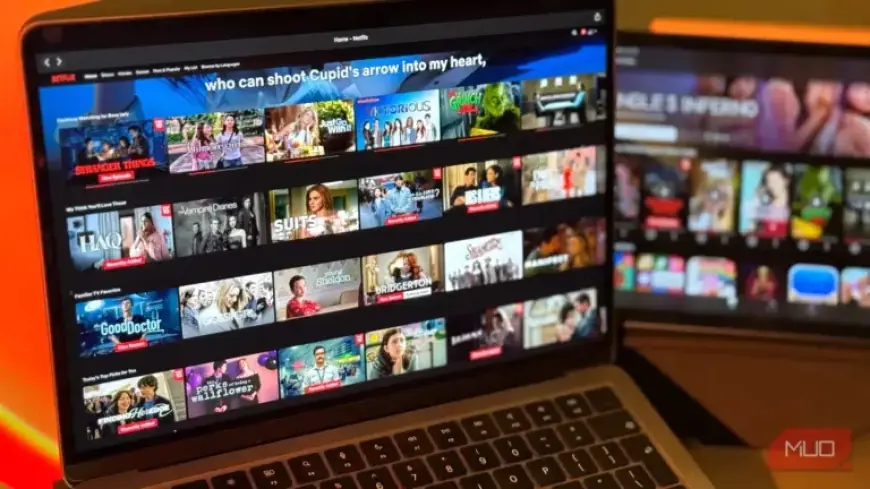
Streaming movies and shows on Netflix can sometimes be frustrating due to fluctuating video quality. This issue often arises, even when you have a strong internet connection. Fortunately, there’s a hidden setting that allows users to take control of their video quality and improve their streaming experience significantly.
Understanding Netflix’s Streaming Quality
Unlike platforms like YouTube, Netflix employs a system called Adaptive Bitrate Streaming (ABR). This technology automatically adjusts the video quality based on your internet speed. However, Netflix does not provide users the option to manually select their desired quality within the player, prioritizing uninterrupted playback instead.
How Netflix Handles Quality Adjustments
When your internet speed drops, Netflix automatically reduces the video quality to maintain streaming. This often results in lower resolution playback, sometimes dropping to 720p or lower, even if your connection can handle much more. Many users are unaware that this default setting limits their viewing experience.
Accessing and Adjusting the Hidden Quality Settings
To enhance your streaming quality, you can adjust Netflix’s data usage settings. Follow these simple steps:
- Log in to your Netflix account.
- Click on your profile picture in the top-right corner.
- Select “Account” from the dropdown menu.
- Navigate to “Playback Settings.”
- Choose your preferred “Data Usage per Screen” option.
Data Usage Options Explained
Netflix offers four data usage settings, which are:
- Auto: Adjusts quality based on connection (often lowers to 720p or lower).
- Low: Caps usage at 0.3 GB/hour, suitable for saving data but results in grainy quality.
- Medium: Increases usage to 0.7 GB/hour, providing decent quality without excessive data consumption.
- High: Allows up to 3 GB/hour for HD and 7 GB/hour for Ultra HD. This option ensures optimal streaming quality.
Optimal Streaming Based on Your Subscription
It’s crucial to note that the highest quality you can achieve depends on your Netflix subscription:
| Plan Type | Max Video Quality |
|---|---|
| Standard with Ads | 1080p |
| Standard | 1080p |
| Premium | Ultra HD (4K) |
Adjusting the data usage setting to High will allow users on the Premium plan to stream in 4K, while those on Standard plans can ensure 1080p quality.
Conclusion
Many Netflix subscribers are unaware of the hidden setting that can transform their viewing experience. By taking just a moment to adjust video quality through these steps, users can enjoy sharp, clear streams without interruptions.