



















Pixel Phone App Introduces Customizable ‘Take a Message’ Greetings

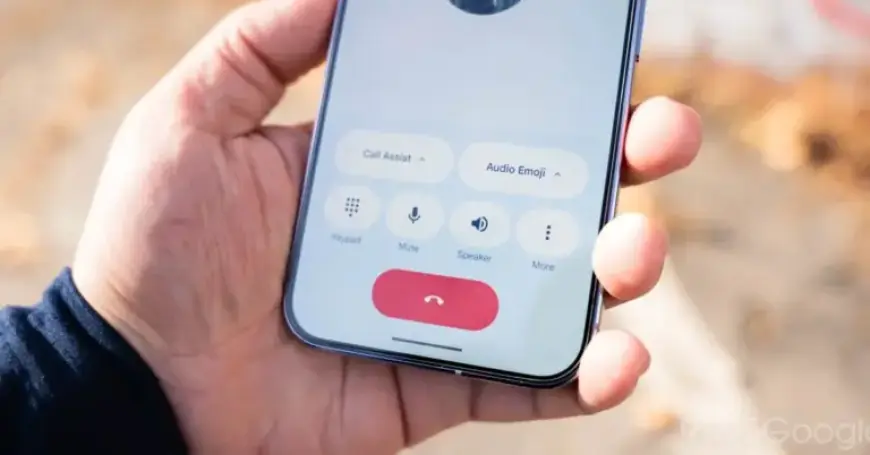
The Pixel Phone app has introduced an exciting update to its Take a Message feature. This new functionality allows users to set customizable greetings for missed calls. It adds a personal touch to how missed calls are handled, reflecting the user’s personality and tone.
Introduction of Customizable Greetings
When the feature becomes available, users will see a prompt in the Home tab. It encourages them to add “A personal touch on your missed calls.” Custom greetings can be configured easily within the app.
How to Access Custom Greetings
- Navigate to Settings.
- Select Take a Message.
- Visit the new “Greetings” page.
On this page, users can view the default greeting: “The person you have called is not available. Please leave a message after the tone.” They can also record their own messages using a user-friendly interface.
Recording and Managing Greetings
The greeting recorder features a Material 3 Expressive design. It allows users to capture clips up to one minute long. After recording, users can pause and save their greetings with ease.
- Store multiple recordings.
- Mark the active greeting with a star.
- Use the three-dot menu to set one as the default.
This custom greeting feature is currently rolling out with version 216 of the Phone by Google beta. It has not yet been released in the stable channel, so users may need to wait for its full deployment.
Stay tuned for more updates on how to enhance your Pixel Phone experience at Filmogaz.com.