
























Download the Latest Artemis II Images with This NASA Shortcut

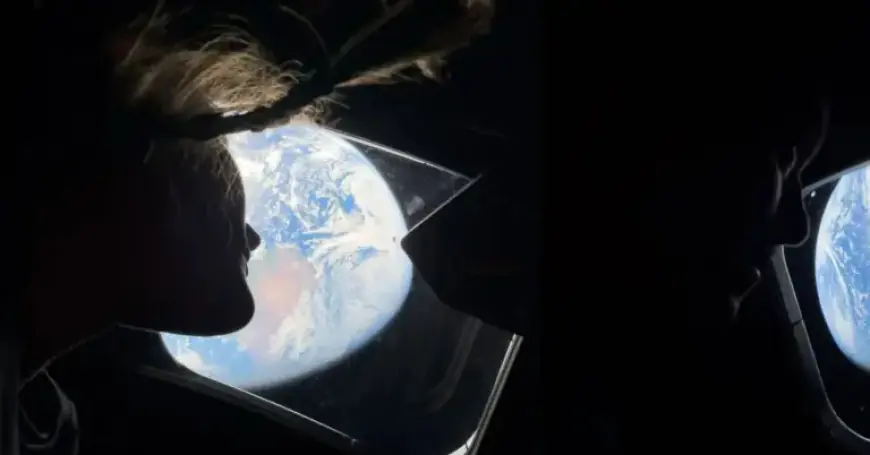
The Artemis II mission marks a significant milestone for NASA, as it successfully launched on April 1, 2026. For the first time in over five decades, astronauts ventured close to the Moon. This exploratory mission involved four crew members who orbited the Moon, paving the way for future lunar landings.
Download the Latest Artemis II Images with This NASA Shortcut
NASA has released stunning imagery from the Artemis II mission. Some of these incredible photos were even captured using an iPhone. To make accessing these visuals easier, a special shortcut has been developed.
How to Use the Artemis II Images Shortcut
Stephen Robles, an Apple enthusiast and renowned Shortcuts expert, created an efficient method to download high-quality images. The process is simple:
- Click on the shortcut link provided in Stephen’s tweet or access it directly here.
- This will redirect you to an iCloud page. Tap “Get Shortcut” at the bottom.
- The shortcut will open in your Shortcuts app, adding the Artemis II Images shortcut to your library.
Running the Shortcut
To begin the download:
- Select the “Artemis II Images” shortcut.
- Allow it to load for about a minute as it gathers images.
- A pop-up will display all the available photos.
- Choose the images you wish to save and tap “Select.”
Be patient during this process, as it compiles larger files into your library. You can opt for either list view or image view before finalizing your selections.
Device Compatibility
This shortcut works seamlessly on various Apple devices, including iPhones, iPads, and Macs. Enjoy an easy way to enrich your library with breathtaking images from the Artemis II mission.
For more insights, don’t forget to check out our interview with Stephen Robles on Filmogaz.com, where he shares tips and tricks for maximizing the Shortcuts app.