





















One App Keeps Me Tied to Microsoft’s Ecosystem Over Google’s

In a recent effort to transition to Google’s digital ecosystem, many users, including myself, encounter a critical roadblock: OneNote. Despite Google’s impressive advancements with its suite of applications, there remains a significant gap that Google Keep and Google Docs fail to fill. This challenge highlights how OneNote continues to be an essential tool for many long-time Microsoft users.
Glimpse into Google’s Ecosystem
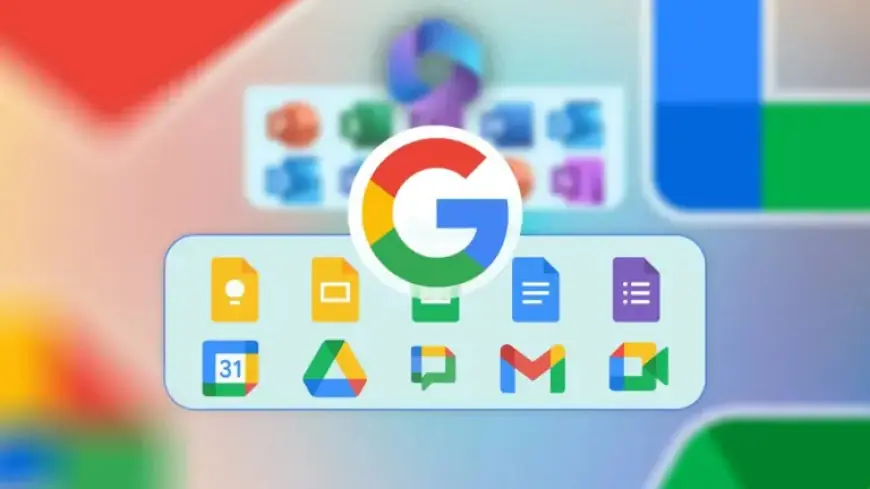
Google has successfully integrated its applications, creating a seamless experience powered by AI. For instance, the introduction of Gemini allows users to manage tasks, retrieve information from Google Docs, and access files from Google Drive effortlessly. However, the transition from Microsoft to Google isn’t as straightforward as it seems.
The Unmet Needs of Note-Taking
Google Keep serves well for brief notes, while Google Docs excels in document creation. Yet, the two applications lack the structure and flexibility that users often require for comprehensive note-taking. While Keep functions as a convenient digital space for quick reminders, it fails to handle complex projects. On the other hand, Docs can feel too rigid for brainstorming and creative processes.
- Google Keep: Ideal for short notes; lacks hierarchy and organization.
- Google Docs: Great for formal documents; offers a linear editing experience.
Why OneNote Remains Unmatched
OneNote stands out by providing a flexible canvas for users wanting to collaborate ideas and research freely. Its structure of Notebooks, Sections, and Pages allows for easy organization of thoughts while still offering the freedom to arrange information interactively. This makes it uniquely suited to various project needs.
Enhanced Features of OneNote on Android
OneNote excels particularly on Android devices. For example, its Floating Badge feature lets users take notes without interrupting their current task, unlike Google’s split-screen approach. Additionally, the synchronization with Sticky Notes ensures that quick thoughts are easily accessible alongside in-depth research.
- Floating Badge: Enables seamless note-taking without app switching.
- Sticky Notes Integration: Quick notes synchronized effortlessly with deeper projects.
- Advanced Math Functions: Recognition and formatting of handwritten equations.
The Conclusion: Sticking with Microsoft
Despite the allure of Google’s apps, OneNote offers capabilities that remain unmatched. While Google’s offerings are not inherently flawed, they simply do not address the specific needs that many users have for comprehensive note management. As long as Google does not prioritize enhancing its solutions for digital notebooks, existing Microsoft users will likely remain loyal to OneNote.
The ongoing reliance on OneNote shows how critical it is for users who seek not just basic note-taking, but an advanced organizational structure that fits their diverse thinking and project needs. Until a viable alternative emerges, users like me will continue to integrate OneNote within their workflows, even while enjoying other aspects of Google’s ecosystem.