Read This Essential Guide Before Purchasing a MacBook

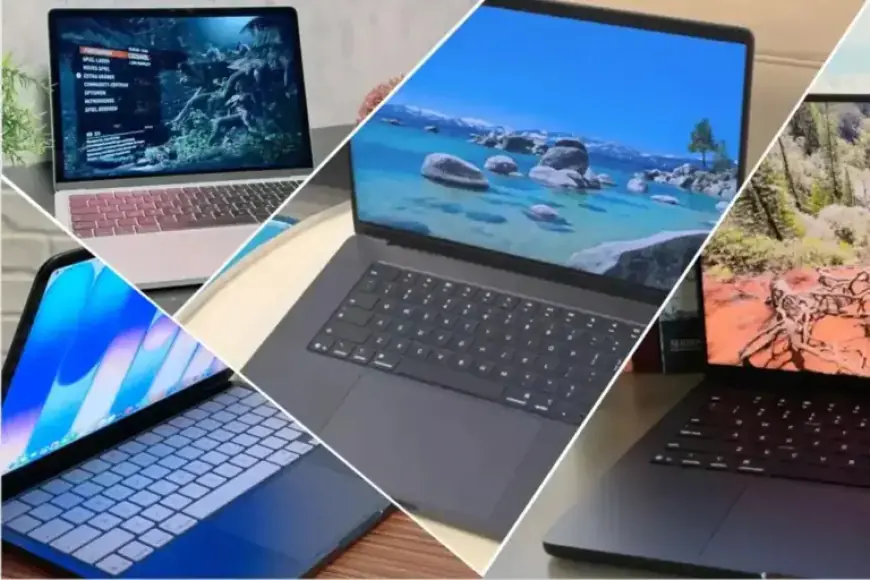
Apple’s MacBook Neo arrived in 2026 as the brand’s most affordable Mac laptop. It starts at $599 and targets students and first-time Mac buyers.
Who should consider the MacBook Neo
The Neo suits people with simple computing needs. Think web browsing, email, documents, streaming, and schoolwork.
If you follow an essential guide for purchasing a MacBook, the Neo represents the entry-level choice. It fits casual users and those on tight budgets.
Design and screen
The Neo keeps a Mac-like all-aluminum body and a lightweight chassis. The design is fanless and quiet.
It is available only in a 13-inch size. The Liquid Retina display reaches up to 500 nits.
Resolution is 2,408 by 1,506 pixels. The panel supports sRGB only and omits P3 and True Tone.
Performance
The laptop runs on the A18 Pro chip, first used in the iPhone 16 Pro. Apple tuned this mobile-class chip for a laptop environment.
In benchmark comparisons, the A18 Pro beat the M3 in single-core tests. It matched the M1 in multi-core and graphics performance.
Battery life and ports
Apple claims up to 16 hours of video playback. Real-world tests showed slightly less than that.
Despite being the lowest battery life in the current Mac lineup, the Neo remains competitive with $599 Windows rivals.
It includes two USB-C ports. One port offers USB 3 speeds, and the other is USB 2 only.
The machine supports a single external display at up to 4K and 60Hz.
Memory, storage, and other specs
The base configuration ships with 8GB of RAM. Storage choices are 256GB or 512GB SSD.
Base model omits some conveniences. There is no backlit keyboard and no Touch ID on the entry-level unit.
Pricing and education discounts
Retail price begins at $599 or £599. Education pricing starts at $499 or £499.
Many buyers find the $699 tier offers better value. That model adds Touch ID and more storage.
What to know before buying
The Neo makes clear trade-offs to hit its low price point. Expect limited ports, modest memory, and lower sustained performance.
For shoppers consulting a MacBook buying guide, weigh those compromises against cost. If long-term performance matters, consider spending more.
Alternatives
The MacBook Air remains the stronger long-term option for most people. It offers a higher-quality display and greater performance.
Refurbished Apple silicon MacBooks and clearance models can offer lower prices. Avoid older Intel-based MacBooks when possible.
Filmogaz.com recommends comparing specs, battery life, and features before purchasing a MacBook. Use a careful buying checklist to match the machine to your needs.