

























Google Enhances Pixel VPN with Quick Settings Tile Status Update

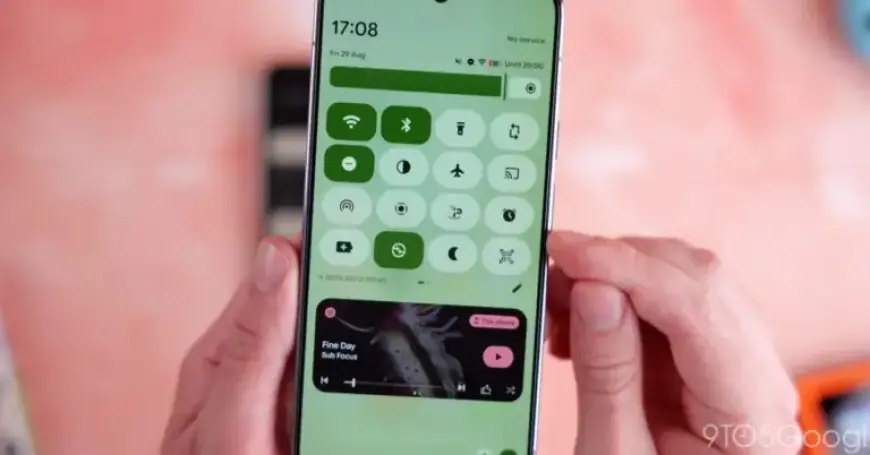
The latest update for the VPN by Google enhances user experience by allowing quicker access to connection status through the Quick Settings Tile. This feature aims to simplify how users interact with the service directly from their devices.
Key Enhancements to Pixel VPN
The Quick Settings Tile now effectively displays connection status. Previously, the tile redundantly showed “VPN by Google” twice, but it has been refined. The new format communicates the connection status clearly:
- Connected: Tile appears active with a filled color background.
- Paused: Indicates that the connection is temporarily stopped.
- Connecting…: Displays when establishing a connection.
- Can’t connect: Alerts users to failed connection attempts.
These updates previously required users to navigate to the app itself. Now, users can conveniently view their status without launching the full application.
How to Access the Updated Feature
To access the new Quick Settings Tile, users can long-press the tile directly, sparing the need to go through Settings > Network & Internet > VPN. This operation is intuitive and saves time, catering to the convenience of Pixel users.
Availability of the Update
This enhancement rolls out with version 2025.12.19.x of the VPN by Google. However, it is important to note that its availability may vary due to a server-side component. Thus, it may not yet appear on all Pixel devices.
Additionally, other Google applications received minor updates this week. Both the Recorder and Screenshots applications were patched, yet did not introduce new features.
Stay tuned for more news and updates from Filmogaz.com on the latest developments in technology and applications.