

























Leaked: Android Desktop Interface Features Status Bar and Chrome Extensions

A recent bug report published on the Chromium Issue Tracker has shed light on the upcoming Android desktop interface. This marks the first time such features have been revealed to the public, coinciding with a discussion about Chrome Incognito tabs.
Key Details of the Android Desktop Interface
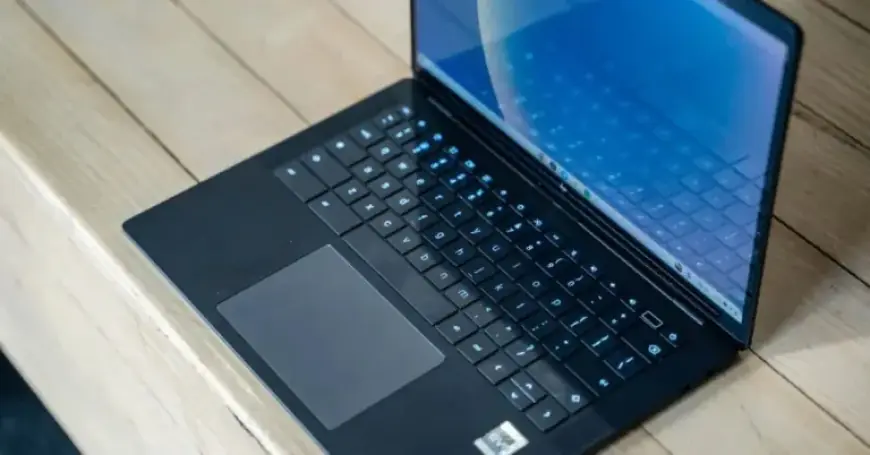
The device running this new interface is the HP Elite Dragonfly 13.5 Chromebook, codenamed “Brya(Redrix).” It operates on a 12th Gen Intel Core processor, known as AlderLake-U, released in 2021. The build number for this OS, referred to as Aluminum OS (ALOS), is ZL1A.260119.001.A1. Notably, references in the video indicate this is part of Android 16.
Device Specifications
- Device: HP Elite Dragonfly 13.5 (Brya Redrix)
- Chrome Build: 145.0.7587.4 (Development before upgrade), 146.0.7634.0 (Development after upgrade)
- ALOS Build Number: ZL1A.260119.001.A1
Status Bar Enhancements
The new status bar has been redesigned to better fit larger screens. It includes:
- Time display (including seconds)
- Date information
- Battery icon (Android 16 M3E)
- Wi-Fi status icon
- Notification bell
- Keyboard language indicator (“EN”)
- Gemini icon and screen recorder feature
Interface Design Changes
While the taskbar remains largely unchanged, users will notice a modified mouse cursor that features a tail. The Google Chrome interface is aligned with Android’s current large-screen version, differing mainly in the availability of the Extensions button, which is exclusive to desktop browsers.
Multitasking and Windowing
Split-screen multitasking is evident in the new interface. Desktop window management retains familiar elements such as:
- App names displayed on the left
- Minimize, fullscreen, and close buttons positioned at the top-right
The overall desktop experience on Android 16 QPR3 Beta 2 suggests a familiar yet enhanced approach, merging traditional desktop features with updated functionality optimized for larger displays.