

























Run SSH Over USB on Raspberry Pi: A Quick Guide

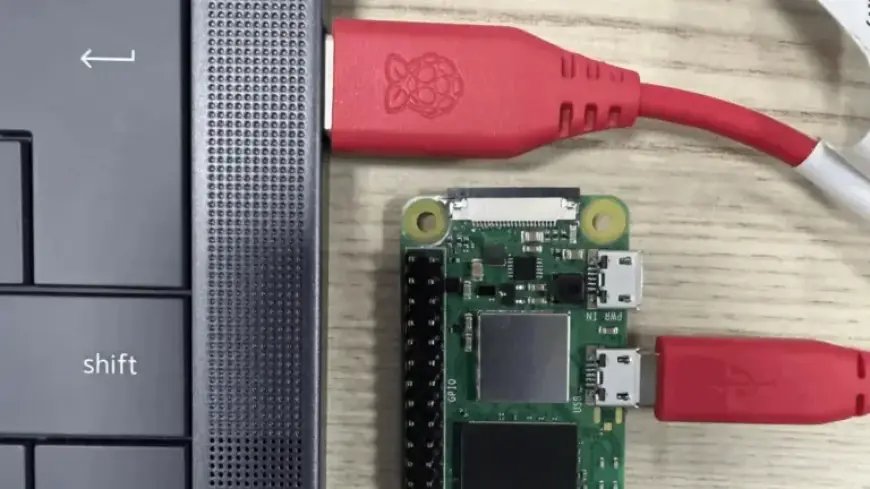
Accessing a headless Raspberry Pi can often be a frustrating endeavor, but new solutions are emerging to simplify the process. One promising method is to establish an SSH connection over USB, which can significantly reduce setup time and complexity.
SSH Over USB: An Innovative Solution
Developed by Paul Oberosler, the rpi-usb-gadget package is now included in the latest versions of Raspberry Pi OS. This tool allows the Raspberry Pi to function in gadget mode, presenting itself as a network adapter when connected to a host machine.
How It Works
Once powered through a USB connection, the Raspberry Pi appears to the host machine as a network device. This enables seamless SSH access. Additionally, by employing Internet Connection Sharing (ICS), the Raspberry Pi can utilize the internet connection from the host.
Setting Up Gadget Mode
- Use Raspberry Pi Imager to enable and configure gadget mode.
- Understand that only the selected USB port will function as both a power input and network interface.
- Remember, this setup will not support other peripherals as host ports.
Considerations for Windows Users
Windows users will need to install an additional driver to activate Internet Connection Sharing effectively. This step is crucial for those relying on a Windows machine for host connectivity.
Alternative Access Methods
While SSH over USB offers a modern approach, older methods are still viable. USB On-The-Go (OTG) mode simplifies configurations, allowing the Raspberry Pi to act as both an access point and a client.
By adopting these methods, users can achieve efficient headless access to their Raspberry Pi without the complications of traditional networking setups.
For further guidance on configuring your Raspberry Pi desktop for headless access, visit Filmogaz.com.












