

























Discover 7 New CarPlay Features Apple Added to Your Vehicle

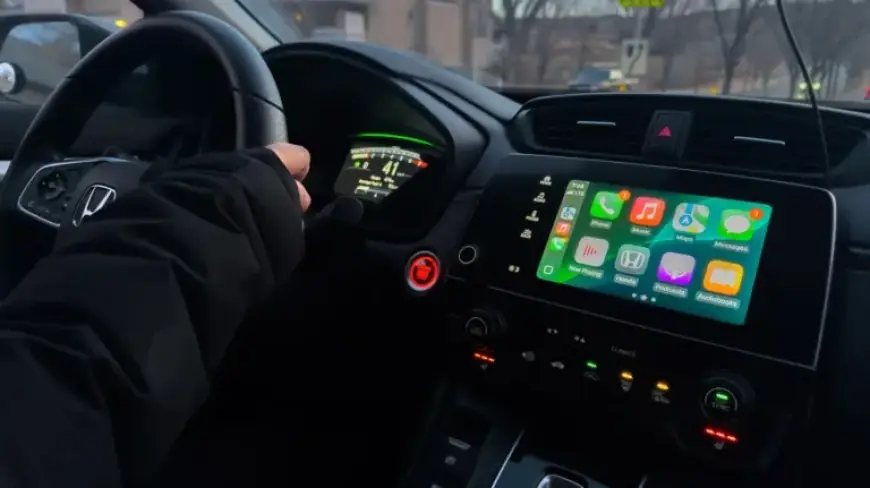
Apple CarPlay users have recently enjoyed a series of enhancements as the company shifts its focus from autonomous vehicles to upgrades in its in-car system. Following the release of iOS 26 and subsequent updates, users can now access a variety of new features aimed at improving their driving experience.
New CarPlay Features from Apple
The following highlights showcase the key features added to Apple CarPlay in the latest updates:
-
Liquid Glass Design
Apple introduced a fresh Liquid Glass user interface with the iOS 26 update. This design makes icons and interactions more fluid, enhancing the user experience. It simplifies content focus, crucial for drivers needing to maintain road attention.
-
Optimized Notifications
The notification system received a makeover. Incoming call notifications now appear as compact banners at the top of the screen, allowing navigation information to remain visible. This upgrade minimizes distractions while driving.
-
Messages Enhancements
Several upgrades enhance the Messages app within CarPlay. Users can now filter unwanted messages and respond using Tapbacks. New features allow unpinning chats for added privacy, ensuring essential conversations remain at the forefront.
-
Widgets and Live Activities
CarPlay now features expanded widgets. Initially starting with two rows, this has increased to three with the iOS 26.2 update, allowing users to view songs, appointments, and directions more easily. Live Activities enhance task management, offering real-time updates on flights and deliveries.
-
Video AirPlay Capability
The introduction of AirPlay allows users to stream video content to their CarPlay displays while parked, expanding the infotainment options available during breaks in travel. This feature is designed to maximize usability without distracting drivers.
-
CarPlay Ultra
Currently exclusive to Aston Martin vehicles, CarPlay Ultra offers a more integrated experience with expanded customization options and the full Liquid Glass interface. This powerful platform transforms how drivers interact with their vehicle systems, allowing easier access to apps and widgets across all displays.
Through these enhancements, Apple continues to prioritize functionality and ease of use in its CarPlay system. As more car manufacturers adopt these updates, users can expect a more streamlined and intuitive driving experience.