
























Switch from TV Remote to Phone for a Better Viewing Experience

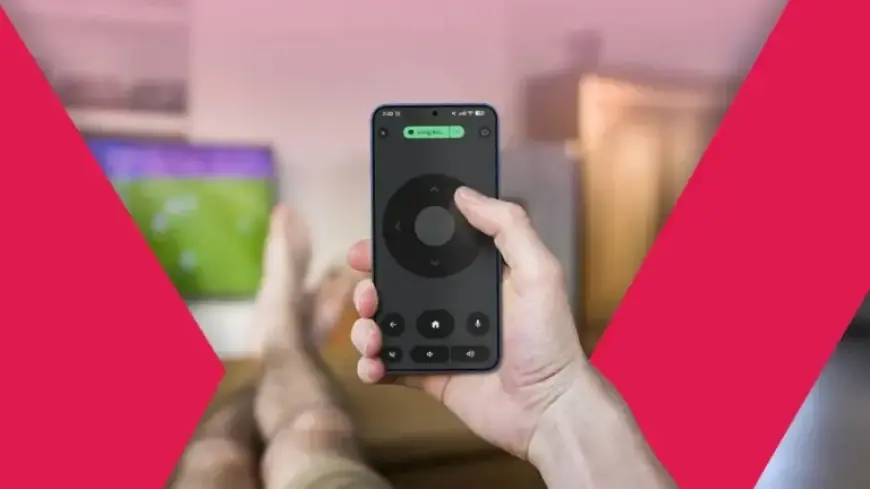
Smart TVs have transformed the way we consume content over the last decade. Despite advancements in remote technology and user interfaces, many users still rely heavily on traditional remotes. However, a better option exists: using your smartphone as a remote control. This switch can greatly enhance your viewing experience.
Why Switch from TV Remote to Phone?
Modern remotes often come equipped with features like voice typing and shortcut buttons for popular streaming services. Nevertheless, they can be frustrating to use. Typical remote controls have numerous buttons, slow input responsiveness, and are often cumbersome for basic navigation. This may lead to an unsatisfying user experience, especially when typing searches on platforms like YouTube or Netflix.
The Limitations of Traditional Remotes
- Complex navigation with multiple buttons
- Slow search input, particularly for typing
- Glitches and failures may require you to use backup remotes
Even with features like HDMI CEC for controlling multiple devices, the remote experience is often less than ideal. Users still encounter issues with connectivity and performance.
Embrace the Google TV App
Fortunately, Google has created a more effective solution: the Google TV app. Available on the Play Store, this app transforms your smartphone into a comprehensive remote for your smart TV, as long as the TV supports Android TV or Google TV. Here’s how to get started:
- Download the Google TV app from the Play Store.
- Ensure both your smartphone and TV are connected to the same Wi-Fi network.
- Sign in with the same Google account on both devices.
- Allow the app to detect your smart TV on the local network.
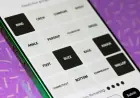
Once connected, you can easily navigate through the app, which displays a full remote interface. You can switch between various control types, including swipe gestures and traditional D-pad navigation. This setup significantly enhances your ability to search for content quickly and efficiently.
Benefits of Using Your Smartphone as a Remote
- Faster navigation with touch controls
- Immediate access to your phone’s keyboard for easier text input
- Control of volume and other settings directly from your phone
Many TV brands, including LG, Amazon, Sony, and Roku, also offer similar apps to control their devices. This versatility means you can even remotely manage Apple TVs from an Android device with the right application.
Is It Time to Switch?
Your smartphone is likely within reach at all times. With features that streamline remote functionality, it makes sense to utilize your phone for controlling your smart TV. Although the app may occasionally have technical issues, it remains a highly convenient way to manage your TV experience without relying on a physical remote. If you find your TV performance lagging while using the remote, consider addressing potential issues with your smart TV that may be causing the delay.