Verizon Outage: What Happened, What’s Working Now, and How Customers Can Claim Credits

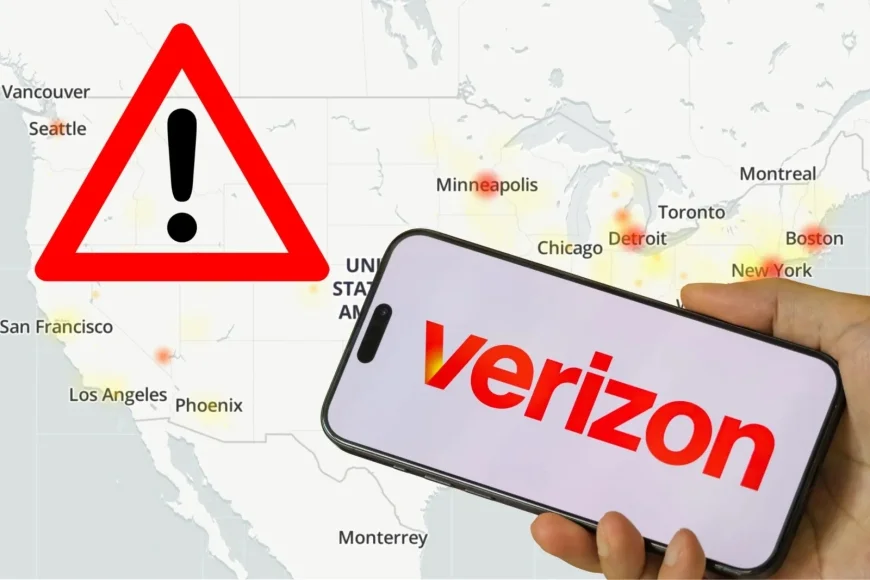
A major Verizon outage that left many phones stuck in “SOS” mode has largely been resolved, but the aftershocks are still being felt as customers compare notes, chase account credits, and troubleshoot lingering service hiccups. The disruption hit core cellular functions, including voice calls, text messaging, and mobile data, and it quickly turned into a nationwide reliability test for one of the largest wireless networks in the U.S.
In the days since, Verizon has pointed to a software-related issue and has begun rolling out credits for affected accounts. While service has returned for most users, pockets of instability and device-level problems have kept the outage in the spotlight.
Verizon outage timeline and what users experienced
The outage ramped up quickly and, for many customers, felt absolute: signal bars vanished and devices displayed “SOS,” a status that typically indicates the phone can’t reach its carrier network for normal service. The disruption lasted for hours before the network stabilized broadly later that night.
Key moments customers commonly reported:
-
Service dropping suddenly in the early-to-mid afternoon (U.S. Eastern Time)
-
“SOS” or no-service indicators replacing LTE/5G
-
Calls failing immediately, texts not sending, and apps losing mobile connectivity
-
Service returning unevenly, with some users recovering faster than others
Verizon’s later messaging emphasized restoration and remediation, with the company moving to credits as a make-good for time lost.
What caused the Verizon outage
Verizon has attributed the outage to a software issue and has indicated it was not tied to a cybersecurity incident. That distinction matters: software faults tend to be addressed through configuration changes, rollbacks, and controlled updates, while cyber incidents can involve longer forensic work and broader risk management.
Even with a “software issue” label, customers are still waiting on clearer answers about how the problem propagated so widely and what concrete steps are being taken to prevent a repeat.
Verizon outage credits: who may qualify and how to claim them
Verizon has offered account credits to customers affected by the outage. The most widely cited customer remedy is a one-time $20 credit for impacted users, typically claimed through Verizon’s account tools.
Practical steps that often work:
-
Open the Verizon account app (or sign in to your Verizon account on a browser)
-
Look for a notification, banner, or support message related to the outage credit
-
Follow the prompts to redeem the one-time credit (if it’s available for your line)
-
Confirm the credit appears in your account activity or upcoming bill summary
If you manage multiple lines, check each line’s eligibility. Business accounts may have a different process and may be handled through account representatives or business support channels.
Separate but related: Visible (a Verizon-owned service) has also issued smaller credits to some customers tied to the disruption, depending on account impact and plan structure.
If you still don’t have service, try these fixes first
Most remaining problems after a large outage are not the “network still down everywhere,” but rather device sessions that didn’t re-register cleanly, SIM/eSIM profile glitches, or settings that got stuck during the interruption.
Try this sequence (in order):
-
Toggle Airplane Mode on for 15 seconds, then off
-
Restart the phone
-
Turn off Wi-Fi temporarily to confirm cellular data is actually working
-
Check that your line is active and not blocked by account-level issues (billing holds can look like an outage)
-
On iPhone: Reset Network Settings (this clears saved Wi-Fi networks and VPN settings, so do it only if needed)
-
If you use eSIM: re-download or re-activate the eSIM profile if Verizon support instructs you to
If your phone still shows “SOS” after these steps, test your SIM/eSIM in another device if possible, or contact support to verify the line’s provisioning.
What this outage means for customers going forward
Large, multi-hour outages are rare, but when they happen they expose a few realities:
-
Modern networks are software-driven: a single bad change can ripple widely if it touches authentication, routing, or core network services.
-
Communication expectations are higher now: customers judge not only the fix, but the speed and clarity of updates while service is down.
-
Credits help, but don’t replace reliability: for many people, a phone outage isn’t an inconvenience, it’s a disruption to work, safety, travel, and family coordination.
In the near term, watch for any follow-up guidance from Verizon about device updates, recommended settings, or additional account remediation. If your service is back but unstable, document the dates and times of failures and keep screenshots of “SOS” or no-service indicators, since that information can help support agents pinpoint whether your issue is network-related or device-specific.
What to do next if you were affected by the Verizon outage
-
Check your account tools for the outage credit and redeem it if available
-
Confirm voice, text, and data all work (not just one of the three)
-
If problems persist, use the troubleshooting sequence above before contacting support
-
If you rely on cellular for emergencies, consider enabling Wi-Fi Calling as a backup when you’re on a trusted Wi-Fi network
The Verizon outage appears largely resolved, but the cleanup phase is still underway for some users—especially those whose devices didn’t reconnect smoothly once the network recovered.