









Claim All GTA Online Twitch Rewards: A Complete Guide

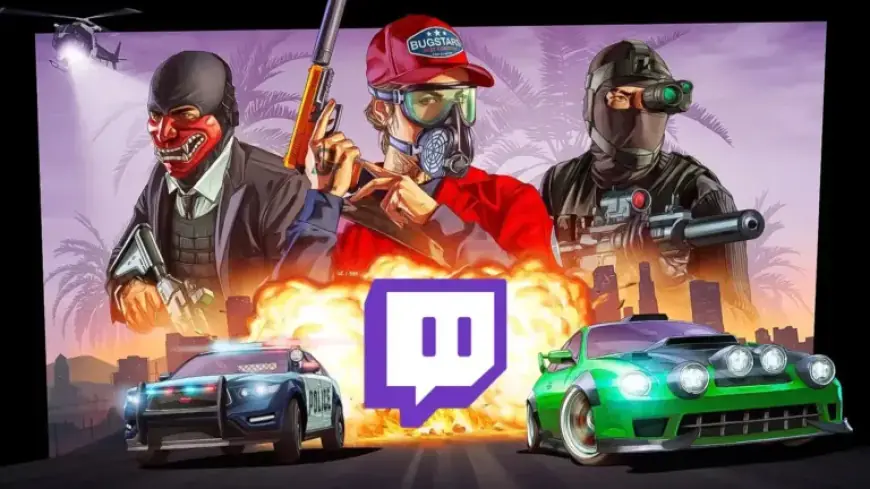
Filmogaz.com reports that GTA Online Twitch Drops run from April 2, 2026, to April 15, 2026. Players can earn up to 1 million GTA dollars and the Winter Highway Patrol outfit.
Event context
The campaign is linked to the Neighborhood Watch Event in GTA Online. The event brings police-themed content, Dispatch missions, and new vehicles.
Rewards and watch-time requirements
There are four Drops available during the campaign. Each reward requires cumulative watch time on Drops-enabled streams.
| Reward | Required Watch Time |
|---|---|
| GTA $250,000 | 2 hours |
| GTA $250,000 | 4 hours |
| GTA $500,000 | 6 hours |
| Winter Highway Patrol outfit | 8 hours |
Total value and exclusivity
The cash rewards add up to 1 million GTA dollars. The outfit is a limited, exclusive item for this run.
Where to watch
Open the GTA Online category on Twitch to find participating streams. Look for the “Drops Enabled” tag near the stream chat.
Linking your accounts
You must link your Rockstar Games account to Twitch before watching. This ensures Drops are delivered to your GTA Online account.
- Sign in to your Rockstar Games account.
- Open Account, then Settings, then Linked Accounts.
- Choose Link Account under Twitch and authorize the connection.
How to claim and delivery timing
After meeting a watch-time milestone, visit your Twitch Drops Inventory to claim each reward. Click “Claim Now” to send items to your account.
Rewards are not delivered automatically. Expect up to 72 hours for items to appear in GTA Online.
Important deadlines and tips
Unclaimed Drops expire once the campaign ends on April 15, 2026. Claim all GTA Online Twitch rewards before that date to avoid loss.
- Keep streams running in the background to accumulate time.
- Confirm your accounts are linked ahead of watching.
- Check Drops Inventory and claim manually after each milestone.