

























Top Budget Laptops 2026: Best Picks Under $800 for Work and Gaming

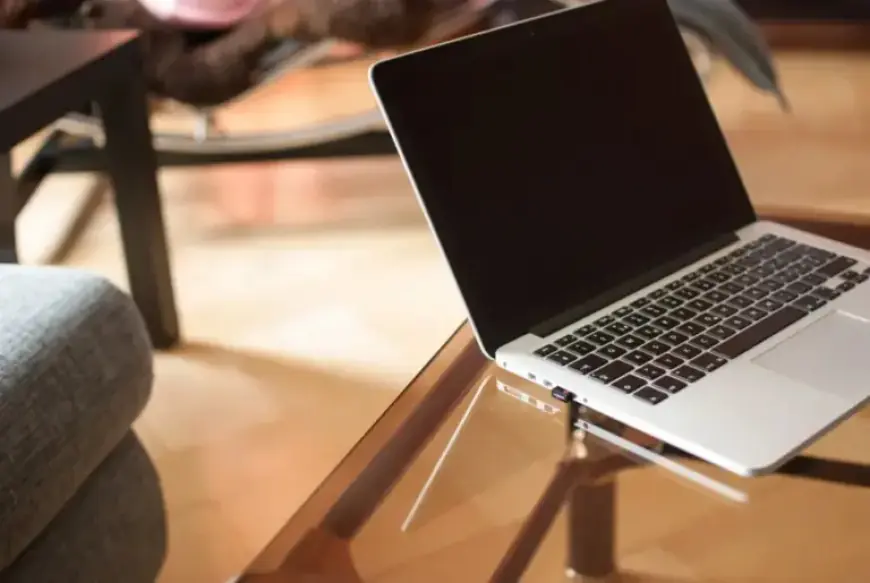
Budget laptops in 2026 deliver more performance and longer battery life than earlier models. Filmogaz.com examined options that balance portability, power, and price for work and gaming.
Choosing the right budget laptop
A practical baseline includes an Intel Core i5 or an AMD Ryzen 5 processor. Aim for 8–16 GB of RAM and at least a 512 GB SSD for smooth daily use.
Pick a 13–15 inch 1080p IPS display with roughly 300 nits of brightness for comfortable viewing. Battery life in the eight to ten hour range helps all-day productivity. Also favor Wi‑Fi 6 and a useful mix of ports such as USB‑C, USB‑A, and HDMI.
For gaming, a dedicated GPU like an RTX 3050 remains important for esports and 1080p play. Expect mid‑range performance rather than top‑end GPUs or OLED screens at this price.
Notable models to consider
Acer Swift Go 14 (SFG14‑71)
The Swift Go 14 commonly ships with an Intel Core i5‑1335U and 16 GB of LPDDR5x RAM. It usually includes a 512 GB PCIe Gen4 SSD and sells for about $749.
The 14‑inch 1080p IPS screen offers around 300 nits and low blue light certification. At roughly 1.2 kg, it suits commuters and students who prioritize portability.
Lenovo IdeaPad Slim 5 (14ALC8)
The IdeaPad Slim 5 often appears for under $700 with an AMD Ryzen 7 7730U. Typical configs include 16 GB of DDR5 RAM and a 1 TB PCIe Gen4 SSD.
Its 14‑inch 1080p IPS panel provides viewing comfort, though the chassis feels mostly plastic. The large storage and memory make it useful for heavy multitasking.
ASUS TUF Gaming A15
The TUF Gaming A15 combines a modern Ryzen CPU with an RTX 3050 GPU for solid gaming value. The series emphasizes durability with a robust chassis and enhanced cooling.
It handles productivity and gaming, but battery life falls short of efficiency‑tuned machines. Expect louder fans and shorter unplugged play time than non‑gaming rivals.
MSI GF63 Thin
The GF63 Thin targets users who want a lighter, subtler gaming laptop. Models with 16 GB of dual‑channel RAM and an RTX 3050 deliver good esports performance at 1080p.
Its understated styling helps it blend into classrooms and offices. Trade‑offs include a modest GPU power limit and limited gaming battery life.
HP Victus 15
The Victus 15 has configurations that can include an RTX 4050 during sales. Paired with current Intel or AMD CPUs, it can push into more demanding AAA titles at 1080p with tuned settings.
The design is subtler than many gaming laptops, making it easier to carry to work or campus. Sales can drop certain configs below $800, improving value for gamers.
Work versus gaming trade-offs
Work‑focused laptops favor light weight, quiet operation, and longer battery life. The Acer Swift Go 14 and Lenovo IdeaPad Slim 5 reflect that approach.
Gaming models boost frame rates and graphics performance at the cost of weight, fan noise, and battery life. Users seeking one machine for both tasks must accept these compromises.
Finding deals and stretching your budget
Major sales, back‑to‑school events, and holiday discounts often push models below list price. Refurbished or open‑box units from reputable sellers can offer strong savings if warranties remain valid.
- Combine student discounts with last‑generation parts to lower cost.
- Prioritize RAM and SSD capacity over luxury extras for better value.
- Watch for periodic discounts that bring higher‑end GPUs into this price bracket.
Frequently asked questions
Is 16 GB of RAM necessary for a budget laptop?
For most students and office users, 8 GB will work. Sixteen GB provides smoother multitasking and better future‑proofing when affordable.
Do budget gaming laptops need a cooling pad?
They do not require one, but a cooling pad can lower temperatures during long sessions. This may reduce fan noise and improve comfort.
Are integrated graphics sufficient for casual gaming?
Modern integrated GPUs can handle light and older titles at low to medium settings. For esports or new AAA games, a dedicated GPU remains the safer choice.
How long should a budget laptop remain useful?
With reasonable specs and care, expect four to five years of serviceable use. Heavier gamers and creators may need upgrades sooner.
These options form a solid cross‑section of Filmogaz.com recommendations for Top Budget Laptops 2026 and Best Picks Under $800. Choose based on whether work and gaming carry equal weight in your daily use.