

























Google Docs Enhances Collaboration with New Gemini Co-Editing Feature

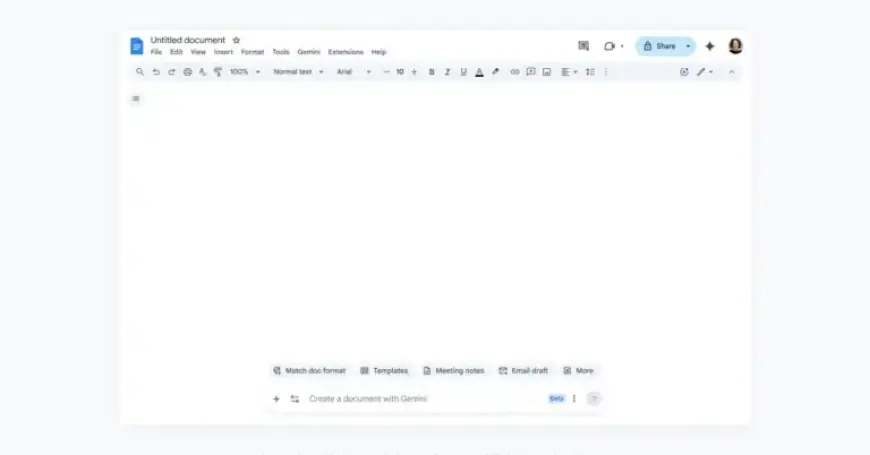
Google has introduced significant enhancements to its Google Docs platform with the launch of the Gemini co-editing feature. This upgrade incorporates a suite of tools designed to enhance collaborative efforts and streamline document creation.
Key Features of Gemini in Google Docs
The Gemini update aims to provide a more seamless experience, reminiscent of a canvas-like interface. Key functionalities include:
- Help Me Create: Users can generate a formatted first draft by simply describing their needs. Gemini harnesses data from Gmail, Google Drive, Chat, and the web to synthesize information into a cohesive document.
- Drafting Campaign Plans: By referencing successful past campaigns, Gemini can develop marketing strategies tailored to specific ideas, effectively structuring and styling the document.
- Refine Specific Sections: Users can highlight text to refine arguments or polish prose without regenerating the entire document. The “Refine” chip offers suggestions based on user prompts.
- Maintain Tone Consistency: A new feature analyzes the document’s voice and tone, providing edits to ensure a uniform style across contributions from multiple editors.
- Document Formatting: Users can match the format of their favorite documents, simplifying the process of creating new content based on established styles.
Rolling Out Updates
The Gemini features began to roll out on a phased basis starting today. These enhancements are available to Google AI Pro and AI Ultra subscribers as well as Gemini Alpha business customers who use US-English as their primary language. This initiative aligns with the trend that over one-third of new Google Docs are generated from copies of existing documents.
With these new features, Google Docs reinforces its commitment to enhancing collaborative work, positioning itself as an indispensable tool for teams and businesses worldwide.
















