

























Windows 11 KB5079473 Launches: New Features and Offline Installers (.msu)

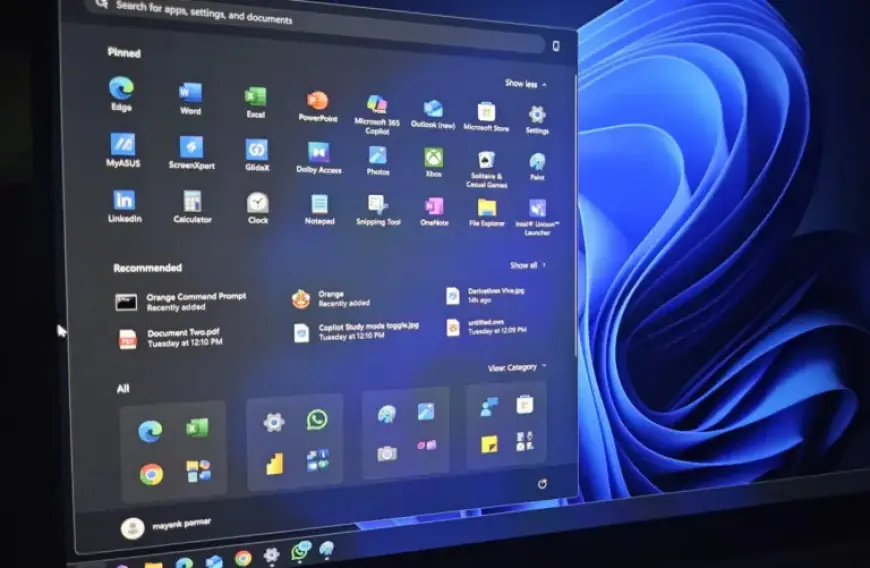
Windows 11 KB5079473 has been officially launched as part of Microsoft’s March 2026 Patch Tuesday. This significant update features up to nine new elements, including the highly anticipated Emoji 16.0, a built-in internet speed test, and enhancements to File Explorer.
Highlights of Windows 11 KB5079473
The KB5079473 update is categorized as a mandatory security update, designated as “2026-03 Security Update (KB5079473) (26200.8037).” It will be automatically downloaded unless the Windows Update service is manually paused.
New Features in Windows 11 KB5079473
- Emoji 16.0: A new selection of emojis is now available, improving user communication with updated expressions and symbols.
- Windows Backup Restore for Organizations: The update introduces a seamless restore feature for enterprise environments, enhancing user settings’ recovery during new device sign-ins.
- Quick Machine Recovery: This feature is now enabled by default for unmanaged Windows Professional devices, aiding in recovery from boot issues.
- Built-in Network Speed Test: Users can check their network performance directly from the taskbar, utilizing their default browser for speed assessments.
- Sysmon Integration: Sysmon is now included as an optional built-in feature for detailed system monitoring and activity tracking.
- Redesigned Widgets Settings: Widget settings have transitioned to a full-page interface, enhancing user experience.
- WebP Wallpaper Support: Users can now set WebP images as desktop wallpapers, allowing for modern image formats.
- Search Enhancements in Taskbar: The search feature now includes grouping headers and previews, making it easier to identify relevant results.
- File Explorer Search Improvements: The search functionality has been enhanced for greater reliability.
Update Details and Download Options
The update impacts both Windows 11 25H2 and 24H2 versions, changing the build numbers to 26200.8037 and 26100.8037, respectively. The KB5079473 update can be obtained through Windows Update or downloaded directly as offline installers from Microsoft Update Catalog.
| Build Number | Size (MB) | OS Version | Architecture |
|---|---|---|---|
| 26200.8037 | 4523.6 | Windows 11 25H2 | x64-based |
| 26200.8037 | 4308.8 | Windows 11 25H2 | arm64-based |
| 26100.8037 | 4523.6 | Windows 11 24H2 | x64-based |
| 26100.8037 | 4308.8 | Windows 11 24H2 | arm64-based |
Security Fixes in the March Update
The March 2026 Patch also addresses 58 security vulnerabilities, including six actively exploited zero-day vulnerabilities. Key security issues include:
- CVE-2026-21510: Windows Shell flaw allowing attackers to bypass security warnings.
- CVE-2026-21514: A Microsoft Word flaw that could exploit malicious files.
- CVE-2026-21525: A denial-of-service flaw found in public malware repositories.
This patch ensures enhanced security, stability, and performance for all users. For enterprises, tools such as WSUS can manage the deployment of updates effectively. In addition, using third-party tools can streamline the process for IT administrators. Users are encouraged to install Windows 11 KB5079473 to enjoy the new features and critical security enhancements.














