

























iOS 26.4 Introduces Option to Disable Additional Liquid Glass Effect

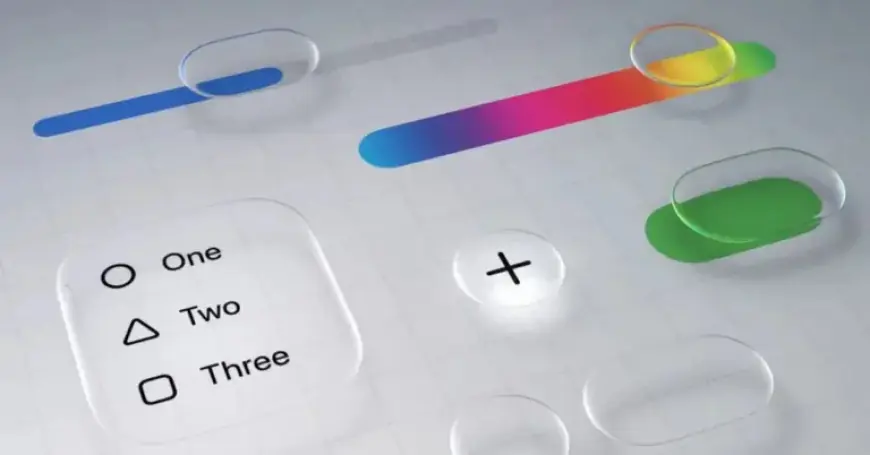
Apple has released iOS 26.4 beta 4, which introduces a new feature called “Reduce Bright Effects.” This setting provides users the option to disable certain bright flashing elements frequently seen in the Liquid Glass interface. The update represents Apple’s continued efforts to refine its iOS design.
Key Features of iOS 26.4
iOS 26.4 has been designed to enhance user experience with a focus on accessibility and visual comfort. The addition of the “Reduce Bright Effects” setting is intended to mitigate discomfort caused by bright flashes during interactions with UI elements.
Enhanced Liquid Glass Design
The Liquid Glass design has undergone notable changes since its introduction. While previous updates, particularly iOS 26.1, allowed users to switch from a clear to a tinted design reminiscent of iOS 18, iOS 26.4 brings further options for customization.
Enabling the New Setting
To enable the “Reduce Bright Effects,” users should navigate to:
- Settings
- Accessibility
- Display & Text Size
This feature, combined with the tinted design option, allows users to tailor their iPhone’s appearance, making the experience more akin to earlier iOS versions.
Conclusion
With ongoing refinements in every iteration, iOS 26.4 aims to provide a more comfortable and visually appealing experience. Users are encouraged to explore the new options and share their opinions on the flashing effects in Liquid Glass. Will you be enabling this new feature?














