

























iPadOS 26.4 Enhances Experience with New Feature for Power Users

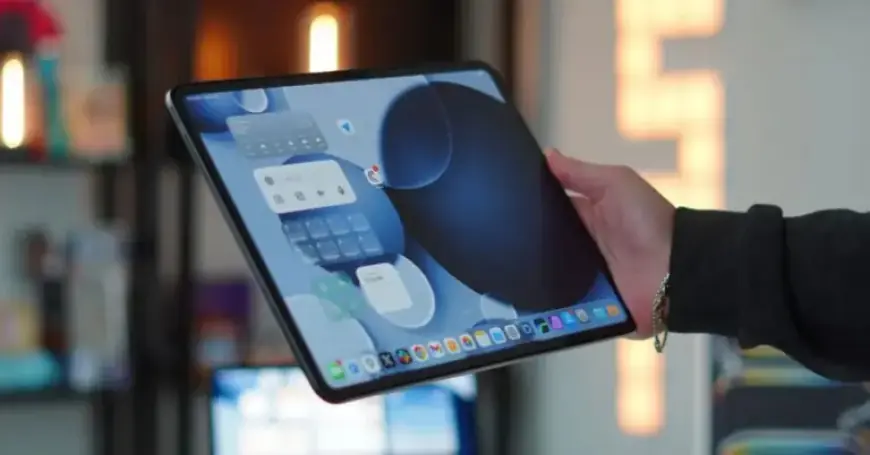
Apple’s iPadOS 26.4 introduces significant improvements tailored for power users engaged in multitasking with multiple app windows. This new update enhances user experience by making it easier to track hidden windows.
New Features in iPadOS 26.4
The highlight of iPadOS 26.4 is a new notification that informs users when there are hidden windows for an application. This addresses a common concern for those utilizing multiple windows.
Multi-Window Popup Notification
When an iPad app with multiple open windows is launched, a popup appears indicating the number of hidden windows. This feature is designed to improve multitasking efficiency. The popup displays the message ‘X Hidden Windows,’ allowing users to access all open windows with a simple tap or click.
Functionality and User Experience
- The popup is linked to the app icon from which it originates.
- The location of the popup varies, depending on the placement of the app icon.
- This enhancement serves a purpose similar to the previous ‘Shelf’ feature introduced in iPadOS 15.
While testing the beta version of iPadOS 26.4, users may notice that the popup does not appear every time an app is launched. It generally appears after some time has elapsed since the last usage of that app. This may be a strategic choice by Apple to avoid frequent interruptions.
Enhancing Power User Efficiency
The introduction of this popup notification is particularly beneficial for power users who frequently work with multiple windows. It streamlines the process of managing open applications, reducing the chances of losing track of active tasks.
For most users, the likelihood of opening multiple windows for a single app is minimal. However, for those who do, iPadOS 26.4 simplifies the multitasking experience significantly.
iPad users are encouraged to share their thoughts on this new feature in the comments section below. Enhancements like these reflect Apple’s commitment to improving user experience for its diverse user base.














