Restore Galaxy S26’s Night Mode: Step-by-Step Camera Guide

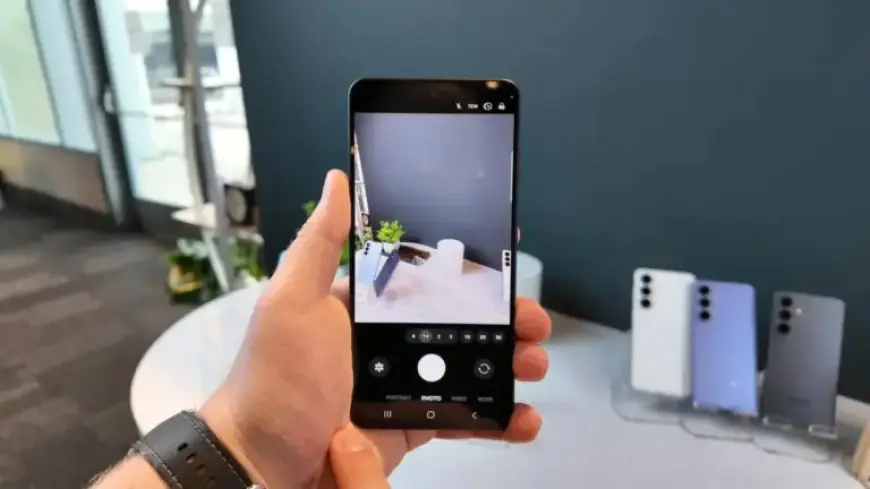
The Galaxy S26 series, including the S26, S26+, and S26 Ultra, introduces a new approach to Night mode in its camera settings. Users who are accustomed to a dedicated Night mode may notice this feature has been altered.
Understanding Night Mode on the Galaxy S26
Samsung has removed the standalone Night mode from the camera app. Instead, Night mode is now a toggle within the default Photo mode. This change aims to simplify user experience, but it may lead to some confusion.
Finding the Night Mode Toggle
The Night mode toggle is represented by a moon-shaped icon located at the bottom-right corner of the camera screen. When activated, users can choose from three settings:
- Off: Disables Night mode.
- Auto: The camera automatically adjusts shutter speed based on current lighting.
- Max: Allows for longer shutter speeds, capturing more light in dark environments.
While this toggle appears when the scene requires Night mode, there are occasions when it may not activate, leaving users wanting more control over their photography settings.
Restoring the Dedicated Night Mode
For those who prefer the traditional Night mode, there is a solution. Users can restore this functionality by installing the Camera Assistant app. Here’s how to do it:
- Open the Galaxy Store and search for “Camera Assistant.”
- Alternatively, download the app from the camera settings menu.
- Launch Camera Assistant from your app drawer.
- Navigate to the Additional modes section.
- Enable Night mode.
Once enabled, users can access the dedicated Night mode through the Modes tab in the camera application. The toggle will still be available in Photo mode. Additionally, the device may prompt users with a suggestion to switch to Night mode when optimal conditions are detected.
Conclusion
Although Samsung has altered the Night mode functionality in the Galaxy S26 series, users can easily adapt. By following simple steps, they can restore the dedicated Night mode for enhanced photography experiences in low-light conditions.