

























iPhone Shortcut Transforms Claude into Your Personal Texting Assistant

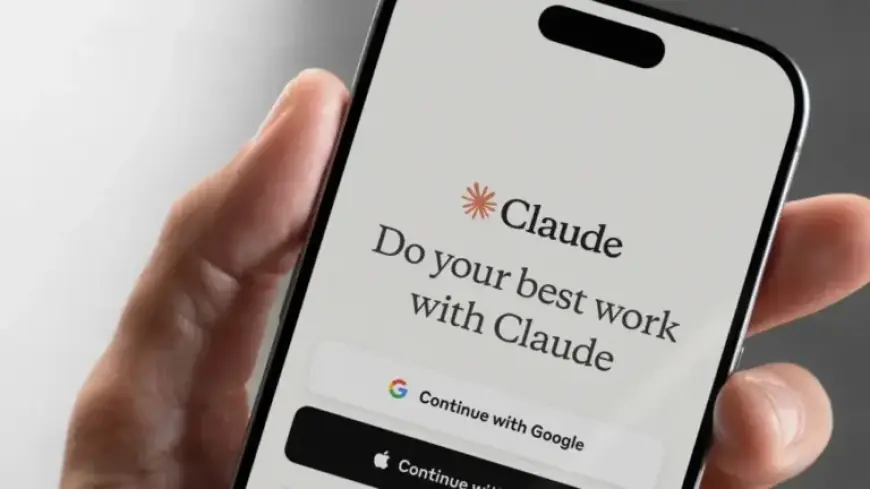
In recent years, artificial intelligence assistants have primarily functioned within specific applications. Users typically interact with them by opening an app, entering prompts, and awaiting responses. However, a simple iPhone shortcut provides a different approach, allowing users to text Claude, an AI assistant, directly, creating a more personal interaction. This innovation offers users a quick way to engage with AI as if they were messaging a friend.
Transforming Claude into Your Personal Texting Assistant
This iPhone shortcut turns Claude into a personal texting assistant. Users can send various requests through text messages, such as:
- “Summarize this article”
- “Draft a reply to this email”
- “Turn these notes into a to-do list”
Claude responds in a conversational manner, making the interaction feel less like chatbots and more like a support system.
Understanding the Setup of the iPhone Shortcut
The shortcut utilizes Apple’s Shortcuts app to send messages to Claude and receive responses. Here is a simplified overview of the process:
- Send a text with a trigger phrase.
- The iPhone detects the message using automation.
- The text is sent to Claude via an API request.
- Claude generates a response.
- The shortcut returns the answer to you.
Steps to Set Up the Shortcut
Setting up this shortcut is quick and does not require developer tools. Here’s how to create the automation:
- Open the Shortcuts app: Launch the app and navigate to the Automation tab. Tap the “+” icon to begin a new Personal Automation.
- Select the message trigger: Choose “Message” as the trigger and pick a specific phrase, such as, “/Claude summarize this article.”
- Route the message to Claude: Ensure the Claude app is active. Add actions in the following order: Get Text from Input > Open App (Claude) > Ask for Input.
- Copy the response: After Claude replies, manually copy and send the response back to your messages.
The Benefits of Texting Claude
The advantage of texting Claude lies in its convenience. Users often check their messages more frequently than they access specific applications. This method streamlines the process of retrieving information or assistance. It can be particularly effective for tasks such as:
- Summarizing lengthy messages
- Brainstorming ideas
- Creating quick replies
- Organizing chaotic notes
A Natural Interaction Experience
What sets this texting method apart is its simplicity and natural feel. Users can engage with Claude without the mental barrier of opening an application. This approach encourages casual interactions with AI, making technology feel more embedded in everyday tasks.
While this shortcut does not replace comprehensive AI applications used for extensive writing or complex data analysis, it excels at assisting with quick, manageable tasks. Ultimately, this innovative approach highlights a growing trend of integrating AI into commonly used tools.
To explore this useful texting feature, try setting up the shortcut on your iPhone and experience how it can enhance your productivity.














