

























5 Surprising Wi-Fi Router Features You Need to Know

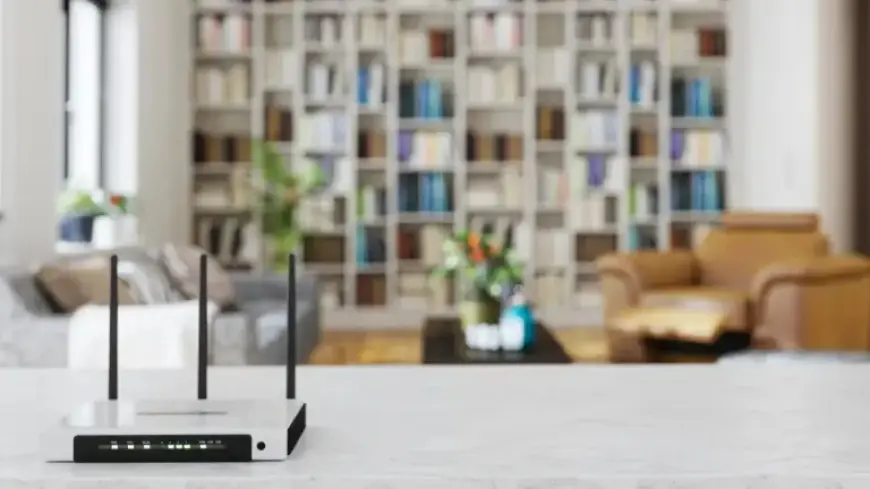
Many users are unaware of the versatile features offered by their Wi-Fi routers. While the primary function serves as an internet gateway, modern routers are equipped to facilitate additional tasks that enhance home network management. Below are five surprising Wi-Fi router features you need to know.
1. Add and Share a Network Drive
Most contemporary routers support network drive functionality. This feature allows you to set up a shared device, such as an external drive, across all devices connected to your network. You can use it to create a media library, transfer files, or back up important data.
- Some routers come with a built-in USB port for easy connection.
- Brands like TP-Link, WD, Linksys, and Netgear offer routers with shared storage capabilities.
2. Add and Share a Network Printer
Another useful feature is the ability to share a printer across your network. Most routers can support this function, allowing you to print from any connected device.
- For printers without Wi-Fi, simply connect them via a USB port on the router.
- Wired printers can often be linked through the LAN using an Ethernet connection.
3. Create a Smart Home-Friendly Guest Network
Creating a guest network can help manage bandwidth and improve performance. This feature allows guests to connect to a separate network while isolating your home devices.
- Most routers provide dual-band options, separating 2.4GHz and 5GHz bands.
- Network segmentation can enhance security and overall performance.
4. Host a Private VPN for Family Safety
Using a VPN enhances the security of your home network. Some routers equipped with WireGuard or OpenVPN protocols allow you to create a network-wide VPN.
- This protects all devices connected to the router, including game consoles and smart TVs.
- Custom firmware can help enhance VPN capabilities on certain routers.
5. Build Custom Network Parental Controls
Providing internet access to children can pose risks, but Wi-Fi routers often include parental control settings. These features aid in managing safe browsing habits.
- Popular brands like Nest and TP-Link offer controls to restrict website access and manage browsing times.
- Such features enable families to create healthier internet habits while ensuring online safety.
Understanding these unexpected features can significantly enhance your internet experience. By utilizing these functionalities, you can maximize the potential of your Wi-Fi router beyond its basic capabilities.















