

























Discover 4 Underrated Smart TV Features You Must Use

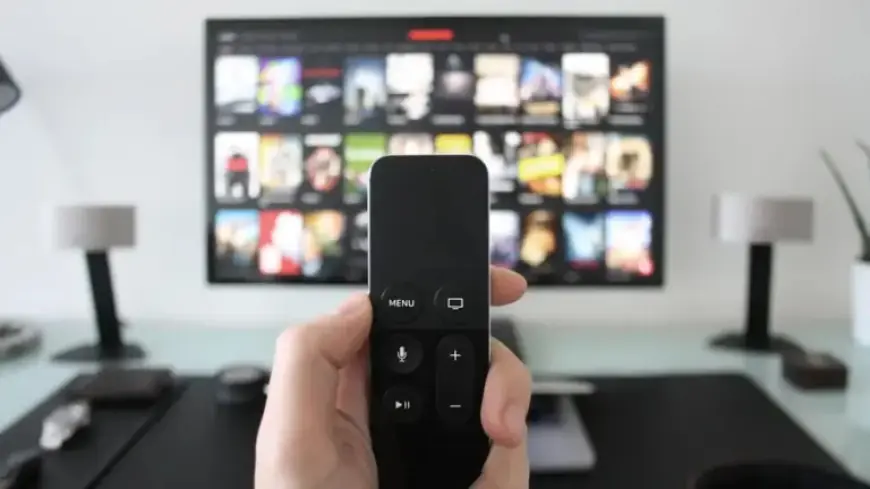
Smart TVs are a staple in many households, often utilized primarily for streaming services and gaming. However, these devices come with a multitude of underrated features that can significantly enhance the viewing experience. Here are four essential smart TV features you should explore to maximize your device’s potential.
1. Access Your Ring Doorbell on Your TV
If you own a Ring Doorbell, integrating it with your smart TV can bolster your home security. Compatible TVs, like SmartThings-enabled Samsung models, allow you to view live doorbell footage effortlessly. Simply add the doorbell via the SmartThings app. For Google Home or Alexa users, voice commands make it easy to access the camera feed:
- Google: “Hey Google, show [camera name] on [TV name].”
- Alexa: “Alexa, show me [camera name].”
2. Stream Xbox Games Without an Xbox Console
Gaming enthusiasts may find joy in streaming Xbox games directly on their TVs. If you have a compatible Samsung or LG smart TV, download the Xbox app and enjoy your favorites through an Xbox Game Pass subscription. For those without compatible TVs, an Amazon Fire TV Stick can also facilitate game streaming. Ensure you have:
- An internet speed of at least 20Mbps.
- A Bluetooth controller, such as the Xbox Series X|S controller.
3. Effortlessly Control Smart Home Devices
Modern smart TVs often offer features to control home automation systems seamlessly. Android TVs typically include Google Home or Alexa, allowing voice commands to manage your smart devices. Apple TV users can navigate to the HomeKit dashboard via the Siri Remote. Additionally, the Philips Hue TV app lets you synchronize your TV with your Philips Hue lighting, creating an immersive ambiance.
4. Showcase Personal Photos and Artwork
Transform your smart TV into a digital photo frame by displaying personal images. Most platforms support Google Photos or Amazon Photos, making photo display simple. You can change your screensaver settings to utilize these built-in apps. For older TV models lacking direct support, using a USB drive is an option. Load your photos onto the drive and insert it into the TV’s USB port to start a slideshow or view files directly.
Exploring these underrated smart TV features can vastly enhance your entertainment experience at home. Make sure to check your device’s compatibility and enjoy the additional functionalities your smart TV has to offer.
















