

























Solve Android Auto’s Annoying Display Issue with These Simple Steps

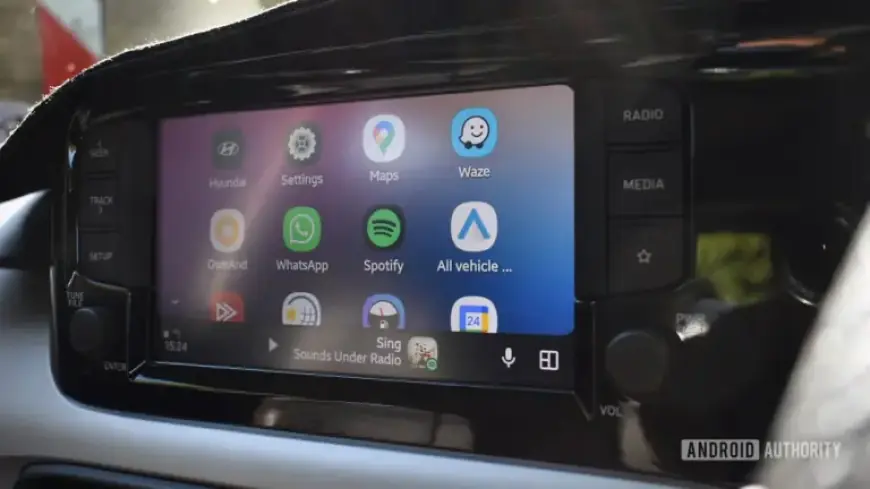
Android’s Extra Dim feature improves nighttime visibility by reducing screen brightness below standard settings. However, this feature can cause issues with Android Auto, particularly in bright conditions. Extra Dim remains active on the car’s display when the phone connects to Android Auto, leading to visibility challenges.
Challenges with Extra Dim on Android Auto
Users often find the need to deactivate Extra Dim manually, which can be risky while driving. This requires navigating through the phone’s settings, which is dangerous and inconvenient.
Using Samsung’s Modes and Routines to Solve the Issue
Samsung offers a solution through its Modes and Routines feature. This tool allows users to create automated actions based on specific triggers.
Steps to Deactivate Extra Dim Automatically
- Open the Modes and Routines app on your Samsung device.
- Select the ‘Modes’ tab, then choose ‘Driving.’
- Under “Turn on automatically,” select both:
- Android Auto: Connected
- Bluetooth device: Connected to [car name]
- In “Other actions,” choose: Extra Dim: Off.
This setup ensures that Extra Dim deactivates automatically when your phone connects to Android Auto, enhancing visibility while driving.
Additional Tips for Users
You can customize these modes further by adding more triggers or conditions. For instance, some users prefer to reactivate Extra Dim during Sleep Mode, usually set between 10:00 PM and 5:00 AM.
The Need for a Permanent Solution
While Samsung’s solution helps, many users hope for improvements from Google. A schedule feature for Extra Dim or the ability for Android Auto to ignore this accessibility feature would provide a significant enhancement to the user experience.
In summary, using Samsung’s Modes and Routines is the best workaround for the Extra Dim issue faced by Android Auto users. This automation provides a practical solution to a frustrating problem.














