
























Discover the Striking New Pixel Weather Icons

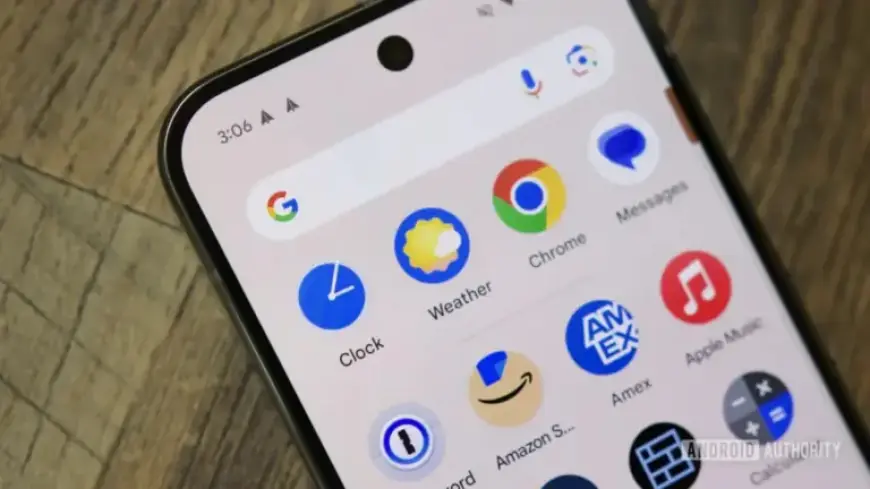
Google’s Pixel Weather app is set to receive an exciting update that will enhance its user experience significantly. The upcoming version will introduce a fresh approach to weather icons, along with improved functionality for managing saved locations.
Revamped Pixel Weather Icons
The upcoming update features a new set of weather icons designed for clarity and ease of understanding. The icons will primarily feature bold colors and high-contrast borders, moving away from the previous gradient styles.
Key Features of the Icon Update
- Introduction of simple, bold colors.
- High-contrast outlines for enhanced visibility.
- Improved UI elements with a preference for white backgrounds.
An introductory screen will accompany the new icons, guiding users through these changes and emphasizing the intention behind the design overhaul. Google aims to create icons that are instantly recognizable and easy to interpret.
Improved Functionality with Location Management
In addition to the visual updates, the Pixel Weather app will also enhance location management features. Users can still reorganize their list of saved cities by long-pressing and dragging. However, new buttons will be introduced for those who find this method challenging.
New Location Controls
- Tap up and down arrows to reposition cities.
- Remove cities from the list with a single tap.
These functional updates reflect Google’s commitment to accessibility, ensuring all users can navigate the app comfortably.
The Pixel Weather app will soon roll out this exciting update, version 1.1.20251230.875325825.release, which promises to deliver a more intuitive and visually appealing user experience. Stay tuned for these changes on your Pixel device in the near future.