

























Windows 11 Launches New Feature Updates for 2026

With the beginning of 2026, Microsoft is enhancing Windows 11 through a series of updates. These improvements, released via the Windows Insider Program, include visual tweaks, performance boosts, and new features.
Key Features and Updates in Windows 11 for 2026
Microsoft has introduced several significant updates in recent preview builds. Here are the main enhancements:
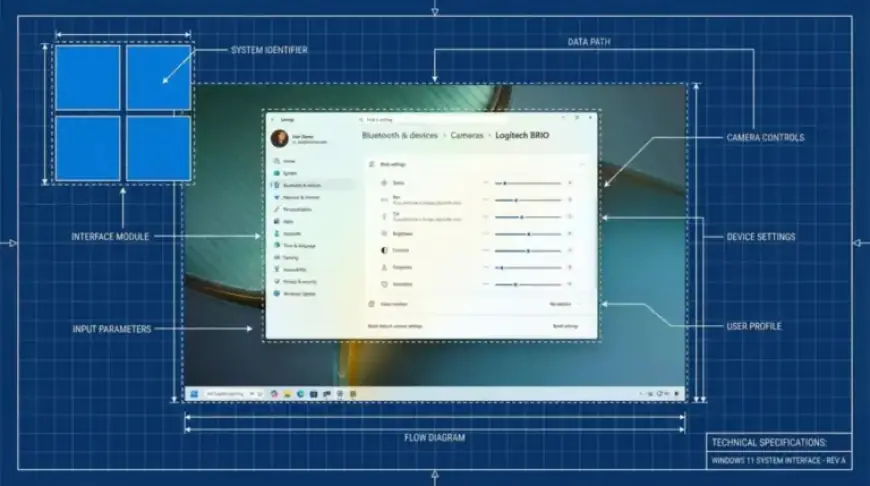
- Camera Controls: New controls for adjusting camera pan and tilt have been added.
- System Monitor Integration: Sysmon is now a native tool in Windows 11, enhancing security.
- Settings UI Update: The account type change dialog in the Settings app has received a modern facelift.
- Expanded Image Format Support: Users can now set WebP images as desktop backgrounds.
- AI Image Descriptions in Narrator: This feature has been extended to all devices, enhancing accessibility.
- OneDrive Share Option Improvement: The Windows Share UI has been updated for easier file sharing.
Preview Builds Released
In the past few weeks, eight preview builds were made available in the Dev and Beta Channels. Key build numbers include:
- 26300.7760
- 26220.7755
- 26300.7733
- 26220.7752
- 26220.7670
- 26300.7674
- 26220.7653
- 26220.7535
The Canary Channel also saw several preview builds, including 28020.1546, 28020.1495, and 28020.1611.
Notable Changes and Features
Among the distinguished features, the camera settings allow adjustments that were launched with build 26300.7760. Security enhancements include making Sysmon a built-in feature, accessible through the Settings app.
The update also made it possible to use the WebP format for desktop backgrounds, supporting its integration into the user experience. In Narrator, an AI-driven image description generator has been implemented for improved accessibility, empowering more users to benefit from this feature.
Looking Ahead
As 2026 progresses, Microsoft appears focused on refining Windows 11. The early updates give insight into the company’s direction for the operating system. We anticipate further enhancements and remain eager to see which features will emerge in the finalized version of Windows 11.
For continued coverage and updates on Windows 11 and its developments, visit Filmogaz.com.