

























Boost Battery Life by Disabling These 2 Hidden Android Scanning Settings

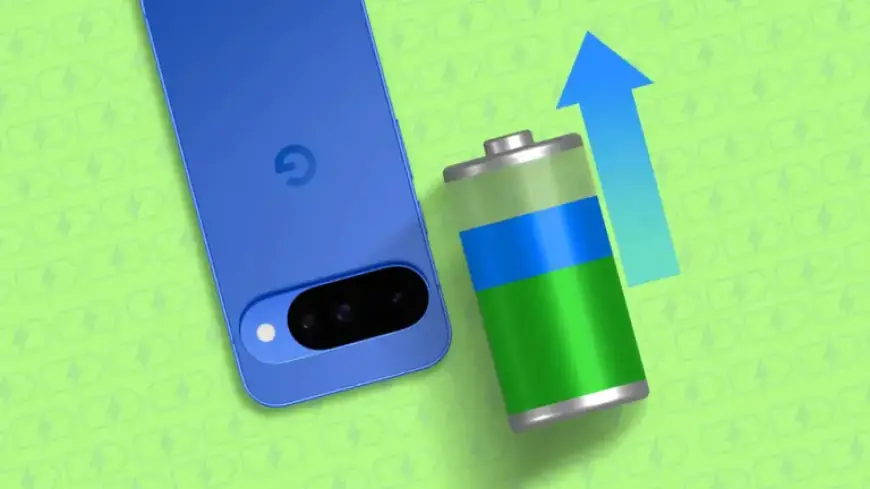
Enhancing battery life on Android devices has become a priority for many users. With the constant demand for power in today’s smartphones, understanding specific settings can lead to significantly longer usage times. Disabling certain hidden scanning options can make a noticeable difference without sacrificing essential functionalities.
Boost Battery Life by Disabling Hidden Android Scanning Settings
Many Android users experience battery wear over time. While new devices often have robust battery performance, this diminishes as applications and background processes increase. Fortunately, disabling two critical scanning features can revitalize your battery life.
Scanning Settings That Drain Battery
Two main settings often contribute to battery drain: Wi-Fi scanning and Bluetooth scanning. These automatic features are meant to enhance your connectivity by detecting networks around you. However, they can consume substantial battery power even when you’re not actively using them.
- Wi-Fi Scanning: Allows your device to continuously search for available Wi-Fi networks.
- Bluetooth Scanning: Keeps your device scanning for nearby Bluetooth devices for faster connections.
By turning off these features, users have reported remarkable improvements in battery longevity. This change is especially beneficial during activities away from home, where the device typically consumes more battery life to search for available networks.
How to Disable Scanning Settings
Changing these settings is straightforward. Here’s a simple guide:
- Open the Settings app on your device.
- Scroll down and select the Location option.
- Find Location services at the bottom of the menu.
- Locate the Wi-Fi scanning and Bluetooth scanning options.
- Toggle the switch off for both settings.
What to Expect After Disabling
Users often find that deactivating Wi-Fi and Bluetooth scanning does not significantly affect their overall experience. Most can continue to connect to networks without interruption, as the device will still perform these actions when actively needed.
Instead of relying on automatic scanning, make it a habit to switch Wi-Fi and Bluetooth on manually. This small adjustment can yield a notable boost in battery performance.
Conclusion
Optimizing battery life on Android smartphones is essential for enhancing device usability. By disabling hidden scanning settings, users can reclaim power without compromising necessary connections. The process is quick and can lead to significant improvements for daily use.
For more tips on maximizing your smartphone’s performance, visit Filmogaz.com.
















