Streamer Northernlion Uncovers High Refresh Rate Error on His Monitor

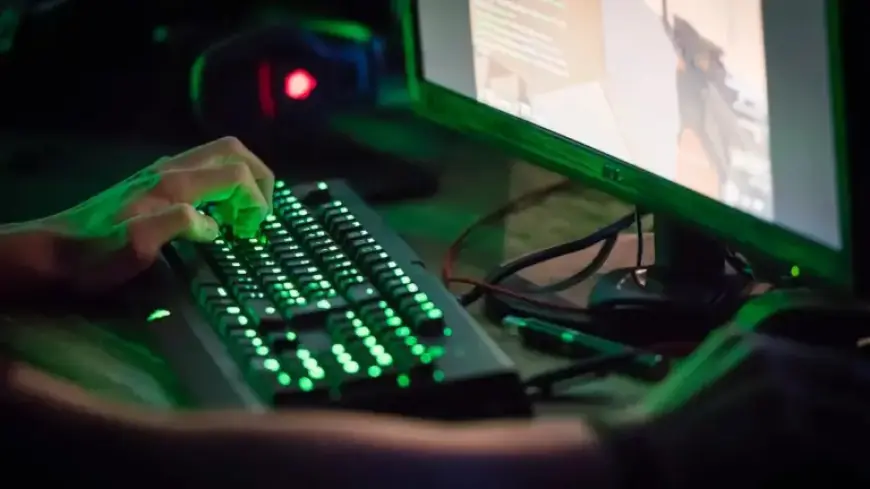
Popular streamer Northernlion recently discovered a significant issue with his gaming setup. His 165Hz monitor was mistakenly set to 60Hz, leading to a less than optimal gaming experience. This reveals a common mistake many gamers make when upgrading their equipment.
Northernlion’s Revelation
During a stream of Counter-Strike, Northernlion received a notification indicating that his display could operate at a higher refresh rate. “It looks like your display has a 165Hz mode, but is currently running at 60Hz,” the message read. His teammate assured him that adjusting the settings would enhance his gameplay.
A Notable Transformation
After updating his refresh rate on Windows and within the game, Northernlion was stunned by the improvement. “This looks incredible!” he exclaimed, likening the experience to acquiring a new gaming console, saying, “It looks like I just got a PlayStation 7!”
Common Pitfalls in PC Gaming
Even seasoned gamers can fall victim to setup errors. Northernlion’s experience serves as a reminder of what to check when setting up a new gaming monitor or PC. Here are some common mistakes to avoid:
- Monitor Refresh Rate: Always ensure your monitor’s refresh rate is set to its maximum capability.
- XMP Settings: Enable XMP to utilize the advertised speeds of your RAM, preventing it from running at base speeds.
- Display Connection: Ensure your display cable is connected to the graphics card, not the motherboard’s video port, to maximize performance.
Keeping these tips in mind can significantly enhance your gaming experience and ensure your hardware performs to its full potential. For more tips on tech and hardware, visit Filmogaz.com.