

























Use Your iPhone to Remotely Start Your Car

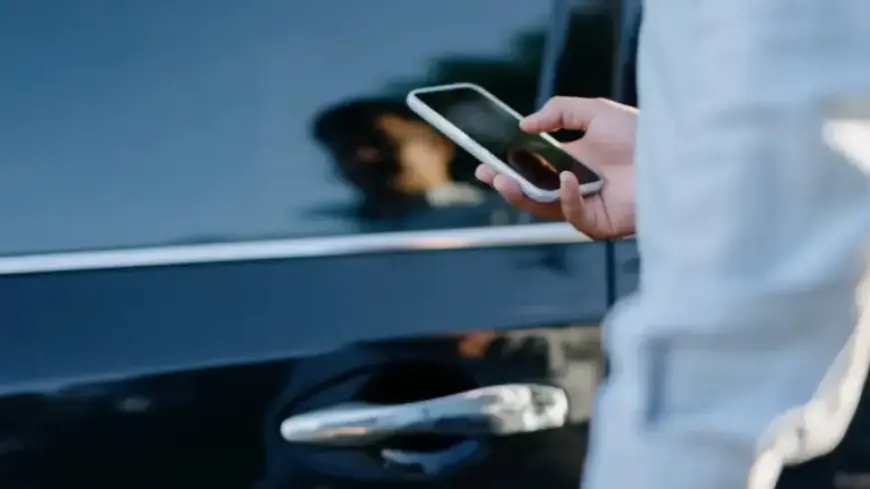
Starting your car remotely using your iPhone can enhance convenience and improve your daily routine. This feature allows you to pre-condition your vehicle, whether it’s warming up in winter or cooling down in summer.
Benefits of Remotely Starting Your Car
Remote car start systems provide several advantages:
- Defrost windshields during cold months.
- Cool down the interior on hot days.
- Improve safety by clearing foggy windows before entering.
For electric vehicles (EVs), remote pre-conditioning while plugged in helps preserve battery range by using grid power for cabin temperature management.
How to Use Your iPhone to Remotely Start Your Car
The ability to remotely start your vehicle with an iPhone depends on your car model and its associated app. Here are the common options available:
Popular Apps for Remote Car Start
- Ford: Use the Ford app with compatible models.
- GM: Access features through myChevrolet, myGMC, or myCadillac apps for select 2023+ models.
- Honda: Utilize the HondaLink app.
- Hyundai/Kia: Employ the Bluelink or Kia Access apps.
- Nissan, Subaru, Toyota: Each offers an app for remote start capabilities.
- Luxury Brands: Mercedes-Benz, BMW, Audi, Tesla, and Infiniti provide remote start through their proprietary apps.
To get started, download the relevant app, follow the setup instructions, and use the in-app starter feature if your vehicle supports it.
Additional Options for Remote Start
If your car manufacturer does not provide a built-in remote start feature, consider third-party solutions. One notable option is the Viper SmartStart app. This requires professional hardware installation and ongoing subscription fees, making it a less convenient but viable alternative.
Using your iPhone to remotely start your car can transform your driving experience. Explore the available options and enjoy the added comfort and efficiency they offer.