First Look: Google Unveils Pixel-Inspired Camera App for Android PCs

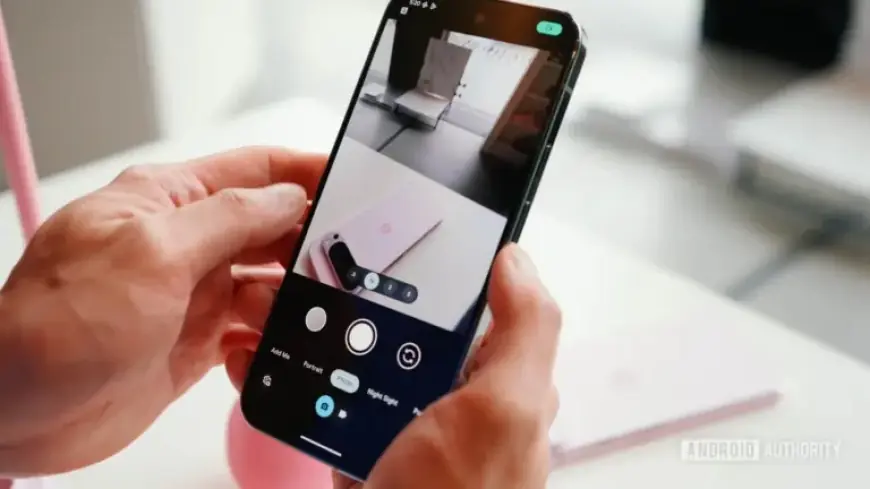
Google has introduced a new app called the Desktop Camera, specifically designed for Android-based PCs. This app draws inspiration from the popular Pixel Camera app available on smartphones.
Overview of the Desktop Camera App
The Desktop Camera app is currently listed on the Google Play Store under the identifier com.google.android.desktop.camera. It promises a streamlined experience for desktop users, ensuring they never miss a moment.
Key Features
- Basic photo and video capture capabilities
- Familiar interface influenced by Pixel Camera design
- Timer feature for capturing moments
The app is still in its early stages, appearing quite minimal compared to its smartphone counterpart. Users can expect the initial release to possess basic functionalities, with potential updates to enhance its features over time.
Integration with Aluminium OS
The Desktop Camera app is part of Google’s effort to support Aluminium OS. This new operating system merges Android and Chrome OS, creating a unified platform for PCs.
Current State of the App
Screenshots from the Play Store reveal a rudimentary UI design. While the app icon and layout elements reflect the Pixel Camera aesthetics, the UI lacks the refinement seen in the phone version.
- Similar shutter and recording buttons to those on Pixel Camera
- Basic settings menu for photo and video adjustments
While the app aims to provide essential functionality, it is expected that Google will add more advanced features before the official launch. Users will likely benefit from additional capabilities like document scanning and support for external cameras, similar to what is available on modern Chromebooks.
Conclusion
The Desktop Camera app represents an exciting venture into desktop photography for Google, aligning with the forthcoming Aluminium OS. As the development progresses, it will be interesting to see how the app evolves and what features will be integrated for a more robust user experience.