

























Discover 5 Must-Have Free Apps Missing from the Microsoft Store

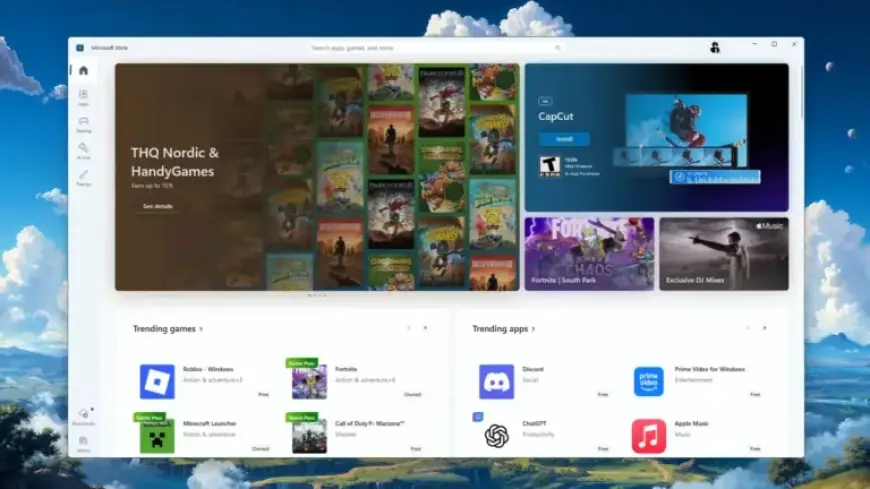
The Microsoft Store has evolved over the years, becoming a central hub for Windows applications. However, several key apps are not available on the platform. From gaming to productivity and image editing, these essential tools can enhance your Windows experience. Below, we highlight five must-have free apps that you won’t find on the Microsoft Store.
Five Essential Free Apps Missing from the Microsoft Store
1. Steam
Steam is a leading gaming platform with over 140 million active users. Despite its popularity, the Steam launcher is not available on the Microsoft Store. Users need to download it directly from Valve’s official website. This absence highlights Steam’s competition with Microsoft in the gaming landscape. As Microsoft improves its gaming support, such as collaborating with Asus, the hope remains for future integration between the two platforms.
2. Notepad++
Notepad++ has become a favorite among Windows users for its simplicity and advanced features. Unlike the built-in Notepad app, which has been bloated with unnecessary functionalities, Notepad++ offers a clean, intuitive interface. This versatile editor supports numerous plugins, catering to both casual users and programmers. Unfortunately, it is also not available on the Microsoft Store, requiring users to download it from its official website.
3. Calibre
For eBook enthusiasts, Calibre is an invaluable open-source tool. Released in 2006, this eBook manager excels at organizing files and converting formats. It boasts robust features, including metadata support and a variety of plugins. Its steadfast reliability has made it the preferred choice among readers, though it remains outside the Microsoft Store.
4. qBittorrent
qBittorrent is one of the best torrent clients available, known for its user-friendly interface and speed. This free and open-source application allows users to manage downloads efficiently. While there are others in the Microsoft Store, none match the capabilities of qBittorrent. Users must obtain it from the official site to ensure they have the genuine product.
5. Paint.net
Paint.net serves as a powerful alternative to the standard Paint app. While it is listed on the Microsoft Store, it comes with a price tag of $14.99. However, the application is completely free when downloaded from the developer’s website. Offering features like layer support and unlimited undo, Paint.net strikes a balance between simplicity and functionality for a variety of image editing tasks.
For users who rely solely on the Microsoft Store, exploring these five must-have free applications can significantly enhance productivity and entertainment on Windows. Downloading them from their respective official websites can open doors to a richer software experience.