






















Explore Stunning Visuals with Borderlands 4’s New Photo Mode

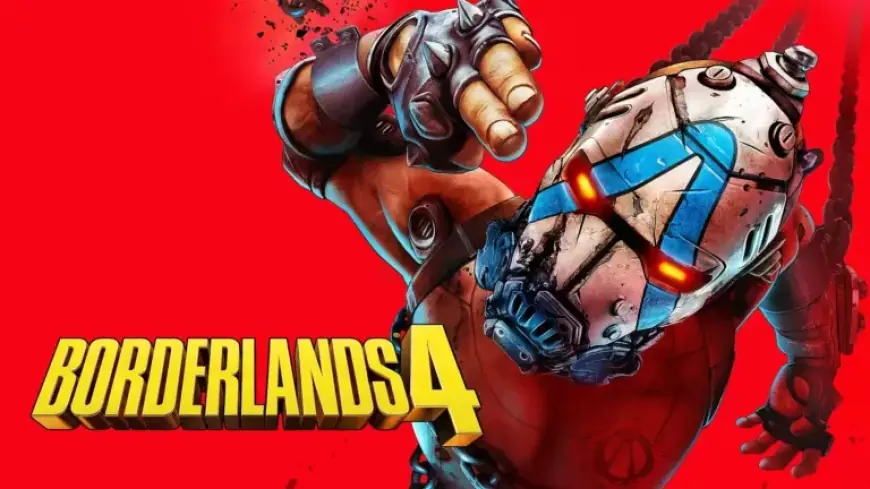
Borderlands 4 has introduced an exciting new Photo Mode that allows players to capture stunning visuals and share their adventures on the game’s vibrant world of Kairos. This feature was unveiled in the Major Update released on January 29, 2023, and is available to all players.
Capturing the Action with Borderlands 4’s Photo Mode
The Photo Mode can be accessed at any point during gameplay through a new option in the pause menu. Players can freely adjust the camera’s position using their standard controls, allowing for an immersive photography experience. This mode is ideal for either capturing intense battle scenes or serene landscapes.
Features of Photo Mode
- Camera Control: Players can modify the camera’s field of view and rotation to frame the perfect shot.
- Depth of Field: Create a focus on your subject while blurring the background or foreground.
- Visual Adjustments: Adjust brightness, contrast, saturation, and various filters to enhance the image quality.
- Gameplay Options: Modify the Time of Day, toggle player visibility, and manage on-screen elements like damage numbers and NPCs.
Photo Mode is primarily designed for use in single-player, with default settings that pause the game. While in multiplayer, players can still access it, but the game continues to run in real-time.
Screenshot Saving Mechanism
To save images, players should utilize their respective platform’s screenshot functionality:
- PC: F12, Print Screen, or Snipping Tool
- PS5: Share button
- Xbox Series X|S: Capture button
However, it’s important to note that images taken through Photo Mode do not get stored in Borderlands 4; instead, they will be saved via the platform’s native functionalities. For instance, Steam users can find their images in the “Recordings and Screenshots” tab of their library.
Settings and Options Available
Borderlands 4 equips players with a variety of customizable settings and filters in Photo Mode, enhancing their creative possibilities:
- Lens Settings: Control the Field of View and camera roll.
- Screen Settings: Brightness, contrast, saturation, and gain can be adjusted for the desired look.
- Overlay Settings: Add logos or letterboxes for a polished appearance.
- Film Settings: Choose from numerous visual styles to give screenshots a unique flair.
Conclusion
Borderlands 4’s new Photo Mode offers an engaging way to capture memorable moments while exploring Kairos. With extensive options for customization and sharing, players can showcase their creativity and adventures in this richly designed universe. Don’t forget to tag @Borderlands on social media to share your best shots!