

























Apple’s Creator Studio Pro: AI Enhances, Doesn’t Replace, Creative Process

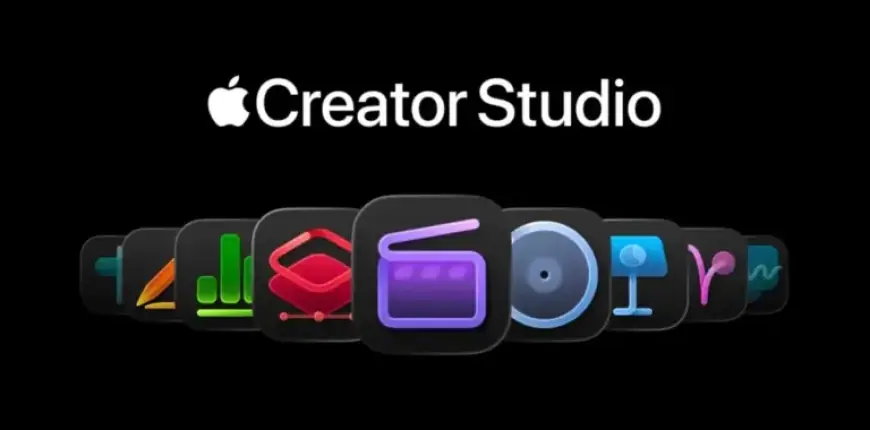
The rise of generative AI technologies marks a significant shift in creative processes across various industries. Apple has recently introduced Creator Studio Pro, aimed at enhancing rather than replacing the creative workflow. This new suite emphasizes the importance of tailoring tools specifically for creatives such as filmmakers, musicians, and artists.
AI as a Supportive Tool in Creative Processes
Apple’s approach to AI focuses on streamlining tedious tasks. The suite offers features to help users concentrate on creativity instead of technical challenges. For instance, it can assist in:
- Generating a slideshow for editing
- Extracting chord information from audio
- Searching through extensive video footage
- Changing camera angles in images
Creator Studio Pro is now available for $12.99 per month or $129 annually, providing access to various applications.
Included Applications
This subscription includes several powerful tools:
- Final Cut Pro: Video editing with AI-enhanced tools.
- Logic Pro: Music creation with advanced features.
- Pixelmator Pro: Image editing on Mac and iPad.
- Keynote, Pages, Numbers, and Freeform: Enhanced productivity applications.
New features in these applications bring exciting capabilities to users.
Notable Features of Creator Studio Pro
Each included application has received updates that leverage AI technologies:
- Final Cut Pro: Includes AI-powered transcript search and a visual search assistant for quick asset sourcing.
- Logic Pro: Introduces Chord ID for audio analysis and expanded sound libraries.
- Pixelmator Pro: Offers image enhancement tools and a new Liquid Glass design.
- Keynote: Features tools for AI-generated slides and presenter notes.
The newly launched Pixelmator Pro app for iPad complements these offerings.
Accessibility and User Options
Apple continues to provide traditional applications as standalone downloads. Users can still receive updates and continue using free features in Keynote, Pages, Numbers, and Freeform. A subscription unlocks premium capabilities while allowing choices in how apps are purchased.
Family Sharing simplifies collaboration, with up to five members able to share access to the suite. Users can cancel subscriptions at any time without penalty, enhancing flexibility.
Privacy and Data Protection
Apple has taken steps to prioritize user privacy with its AI features. Many functionalities operate locally on devices, ensuring that user data remains confidential.
As creative landscapes evolve, Apple’s Creator Studio Pro positions itself as a valuable ally for creators seeking to harness AI tools without sacrificing their artistic integrity.