

























iOS 26.3 Introduces Feature to Limit Carrier Location Data Sharing

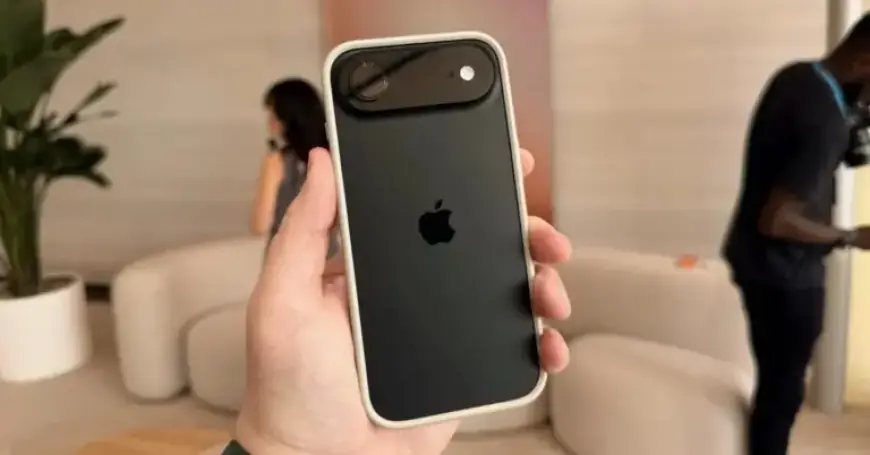
Apple has recently introduced an important update in iOS 26.3. This new feature, “limit precise location,” is designed exclusively for devices equipped with Apple’s own modem technology.
Overview of the “Limit Precise Location” Feature
This setting allows users to restrict how much location data their cellular networks can access. By activating this feature, the cellular network may only determine a general area, like a neighborhood, instead of precise details such as street addresses. Apple emphasizes that enabling this option will not affect signal quality or user experience, nor will it compromise the accuracy of location data for emergency responders.
Requirements for Using the Feature
To utilize the “limit precise location” feature, the following are needed:
- Devices: iPhone Air, iPhone 16e, or iPad Pro (M5) Wi-Fi + Cellular
- Operating System: iOS 26.3 or later
- Supported Carriers:
- Germany: Telekom
- United Kingdom: EE, BT
- United States: Boost Mobile
- Thailand: AIS, True
How to Activate the Feature
Activating the “limit precise location” setting is straightforward:
- Open the Settings app.
- Tap on Cellular.
- Choose Cellular Data Options.
- If using multiple SIMs, select one line.
- Scroll to find Limit Precise Location and toggle the setting on or off.
You may need to restart your device for the changes to take effect.
Implications of the Feature
This feature is notable as it specifically benefits devices powered by Apple’s proprietary modem chips, the C1X included in the iPad Pro and iPhone Air, along with the C1 modem in the iPhone 16e. Analysts anticipate that this could be a precursor to additional features exclusively available for Apple’s modem-equipped devices.
Looking ahead, the next-generation C2 modem is expected in the iPhone 18 Pro and Pro Max, which may expand this functionality to even more devices.