

























Master Google Photos’ New “Me Meme” Feature: A How-To Guide

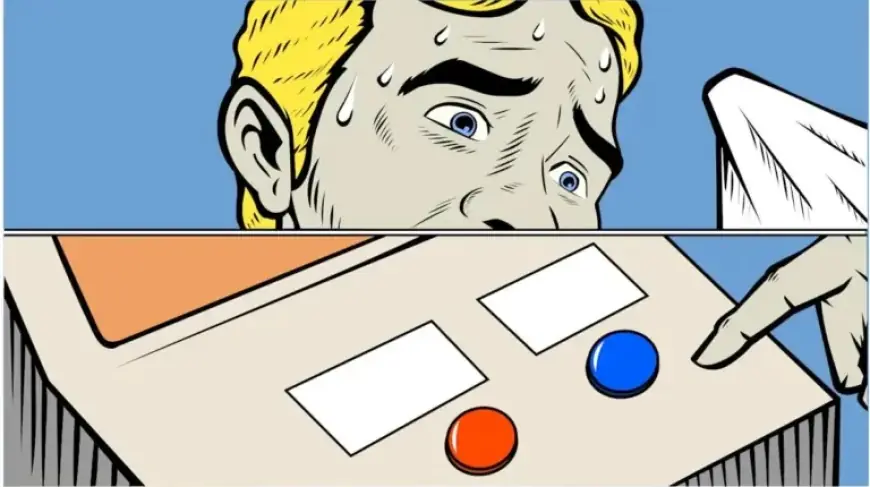
Google has introduced a new feature in its Photos application called “Me Meme.” This feature allows users to create memes using their own photos. Currently, it is in the experimental stage and is accessible only in the United States for English-speaking users on Android devices.
Key Features of Me Meme
The Me Meme feature leverages Google Gemini to transform images through popular meme templates. Users should note that the output may not always perfectly reflect the original photo. Here’s how to access and use this feature:
How to Use the Me Meme Feature
- Open the Photos app on your Android device.
- Select the Create tab located at the bottom of the screen.
- Look for the Me Meme option. If it’s not visible, it might still be rolling out to your device.
- Follow the on-screen instructions during your first use.
- Choose from the preset templates provided by Google or upload your own image as a template.
- Upload a clear photo where your face is visible, preferably a selfie.
- Tap Generate to create your meme.
- If you’re happy with the result, you can save your meme or share it on social media.
- Tap Regenerate to see alternative meme versions.
Availability and Future Rollout
The Me Meme feature is currently exclusive to Android users in the U.S., with plans for an iOS release in the coming weeks. First spotted in October 2025, this feature offers an innovative way for users to enjoy their images in a fun format.
Stay tuned to Filmogaz.com for updates on broader availability and new features as they are released.