

























Windows 11 2026: Preview Upcoming Features and Enhancements

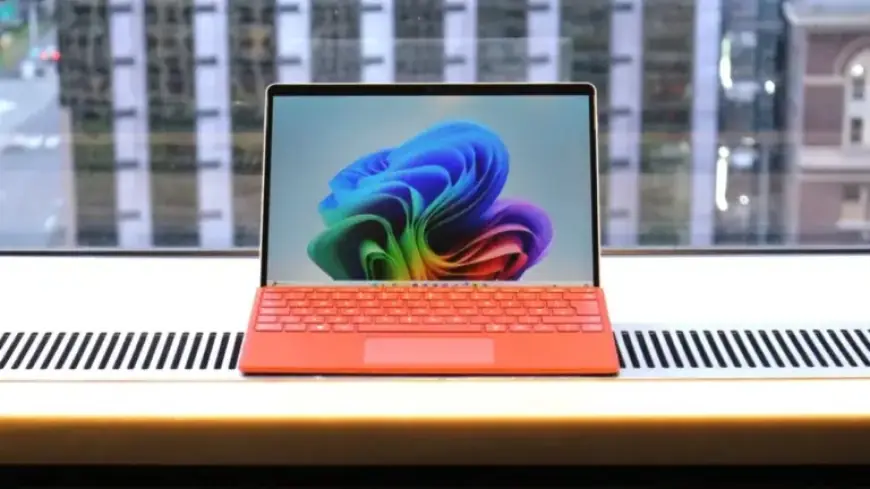
Microsoft is set to launch several exciting features and enhancements for Windows 11 in 2026. As anticipation builds, users can expect both major updates and optional changes that promise to improve the overall user experience. The focus of this year’s improvements revolves around usability, customization, and advanced AI integration.
Upcoming Windows 11 Versions
In 2026, Microsoft plans to release two significant updates for Windows 11:
- Version 26H1: Available in spring, exclusively for devices equipped with Snapdragon X2 SoC.
- Version 26H2: Expected to rollout in fall for all Windows 11 users.
Major Features and Enhancements
Copilot Integration
This update introduces an optional feature allowing users to set Copilot as the default search option on the Taskbar. The new interface will replace the traditional Windows Search, offering a more streamlined and clutter-free experience. Users can launch apps, initiate AI conversations, and search the web directly from this new space.
Modern Run Dialog
A revamped Run dialog will replace the old interface. This new, chromeless design aligns with Windows 11’s aesthetic and will showcase recently used commands. It’s an optional feature that can be toggled on or off through the Windows Settings app.
Improved Taskbar Calendar Integration
Windows 11 users can finally view calendar events directly from the Taskbar. By syncing with the Outlook app, this feature allows users to see daily events, add new ones, and join meetings without fully opening the Outlook application. Although powered by WebView, it enhances usability significantly.
Xbox Full-Screen Mode
Gamers will benefit from an Xbox full-screen experience available on all Windows 11 PCs. This mode transforms the desktop interface to resemble the Xbox Dashboard, optimizing game performance. Users can switch between this interface and the standard Windows desktop easily, improving overall gaming performance.
Redesigned Widgets Board
The Widgets Board will also see a makeover in 2026. The new design will shift from the classic MSN news feed to a format powered by Copilot. This update allows more personalization through resizing and rearranging widgets, giving users greater control over their interface.
Agentic Features and AI Automation
Windows 11 will incorporate agentic capabilities, allowing developers to create AI tools for process automation. The initial implementation will feature Copilot and its associated actions, making routine tasks easier. Users will need to enable these features manually to utilize agentic functionality.
Native Video Wallpaper Support
Another anticipated feature is native support for video wallpapers. This allows users to set .MP4 files as their desktop background, reminiscent of the DreamScenes feature from Windows Vista. This functionality promises a fresh way to personalize the desktop experience.
File Explorer Copilot Chat
Lastly, a new feature will enable users to chat with Copilot directly within File Explorer. This functionality, still in experimental phases, could simplify discussions about documents without needing to open them, streamlining productivity further.
As 2026 approaches, these anticipated enhancements to Windows 11 highlight Microsoft’s commitment to advancing user experience through innovation and functionality. Keep an eye on Filmogaz.com for the latest updates and insights regarding these upcoming features.















