

























Garmin Watch’s Hidden Feature: My Daily Essential for a Decade

Garmin watches are renowned for their rich array of features. Many users may overlook some hidden functions even after years of usage. Understanding these features is essential for maximizing the value of your investment.
Garmin Watch’s Hidden Feature: My Daily Essential for a Decade
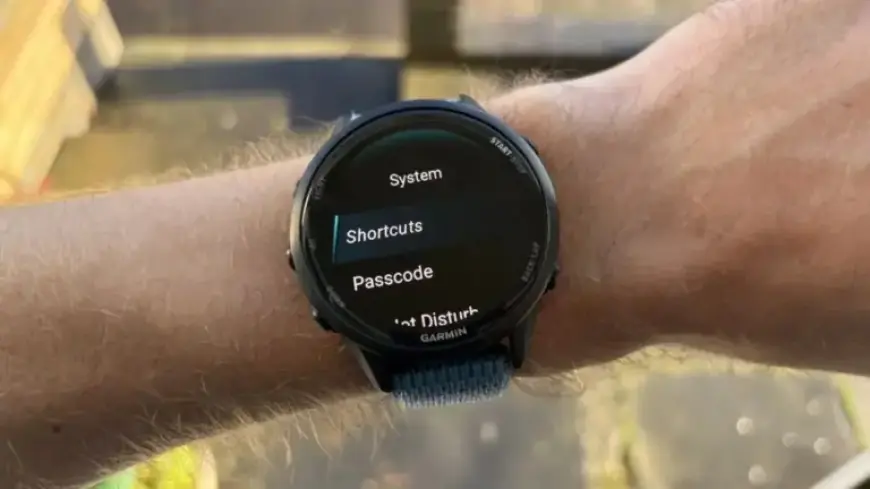
One frequently underutilized feature on Garmin devices is the shortcuts, formerly known as “hot keys.” These shortcuts can significantly enhance the user experience by allowing quick access to various features with just a few button presses.
How to Use Garmin Shortcuts
Navigating to the shortcuts is simple. Access the main settings menu and look for the system sub-menu. If your Garmin device is older or hasn’t been updated recently, it may still use the term hot keys.
- You can customize the controls on your Garmin watch to allow faster access to essential features.
- For instance, the music feature is linked to the down button. Holding this button opens the music player immediately.
- Another handy shortcut is holding the start button to bring up timers, a feature particularly useful for cooking.
In total, a five-button Garmin watch allows users to set up to seven shortcuts. This includes both single and dual button presses, providing flexibility in customizing your experience.
Benefits of Using Shortcuts
While some may prefer a Garmin watch face displaying extensive data, shortcuts enhance usability, especially for those favoring simpler designs. They help keep your watch face uncluttered while ensuring quick access to frequently used features.
- Useful for navigating easily, saving locations, or accessing alarms.
- Provides a tidy appearance on analogue or minimalist digital watch faces.
In conclusion, Garmin watches are packed with features that can greatly improve everyday use. Understanding and utilizing shortcuts will elevate your experience, making it easier to access essential functions quickly.















