

























Discover 6 Essential Google Maps Gestures You Might Be Overlooking

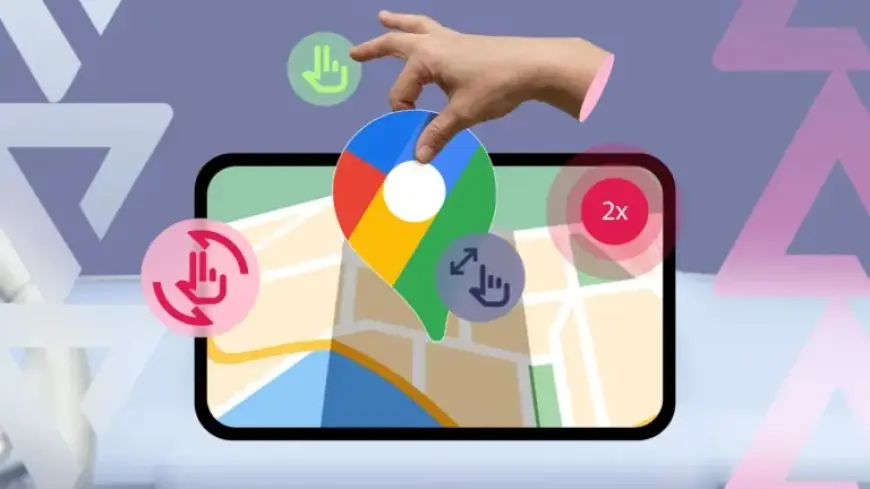
Google Maps is an essential tool for navigation, but many users may not be aware of its hidden gestures. These gestures enhance the overall experience, making it easier to interact with the map. Below, we explore six essential Google Maps gestures you might be overlooking.
1. Double Tap for Zooming In
The double-tap gesture allows users to zoom in quickly on a specific location. Instead of using buttons or pinch actions, simply double-tap on the map where you want to zoom. This gesture is especially convenient for one-handed use while navigating.
2. Two-Finger Double Tap to Zoom Out
To zoom out, users can employ a two-finger double tap. This gesture offers a quick way to zoom out but is not meant to replace the pinch gesture. It’s a fixed-step method and provides a safer alternative as it requires both hands, reducing the risk of dropping your device.
3. One-Hand Zoom for Precision
The one-hand zoom feature combines ease and control. Start by double-tapping and keeping your thumb on the second tap. Slide your thumb up to zoom out and down to zoom in. This technique is handy in crowded places and requires practice to master.
4. Two-Finger Rotate for Orientation
Aligning the map with your direction of travel can be done using the two-finger rotate gesture. Place two fingers on the map and rotate them clockwise or counterclockwise. Note that you should tap the compass icon to revert to the default orientation.
5. Two-Finger Swipe for Tilting the Map
This gesture enables you to tilt the map for better visualization. Swipe up with two fingers to tilt and down to return to flat view. This feature enhances navigation, especially in unfamiliar areas, and the app remembers your last view when reopened.
6. Long-Press to Drop a Pin
If you come across an unnamed location, long-pressing on the map drops a pin, revealing nearby information and options like directions and sharing. This gesture can also be used offline, allowing you to capture coordinates of a location.
Making the Most of Google Maps
Google Maps offers more than just navigation functionality. Users can explore their travel history through the Timeline feature or save and share important locations. By learning these gestures and features, you can enhance your mapping experience and make the most of this powerful tool.













