How to Prevent Gadgets from Secretly Tracking Your Movements

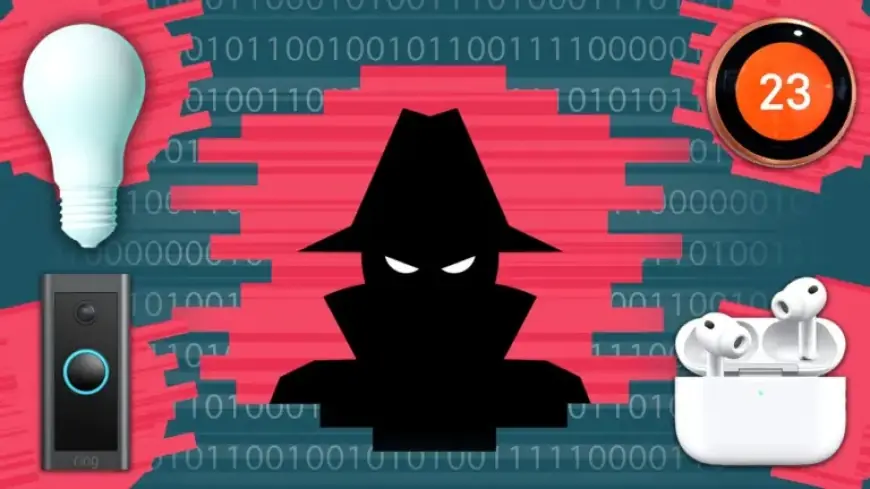
Many of today’s gadgets can unknowingly track your movements, raising privacy concerns. Devices like headphones, smart heating systems, and even car technology may expose your location to individuals with malicious intent. This article explores common gadgets that could be tracking you and provides essential tips on how to secure your devices.
1. Headphones – A Potential Tracking Device
Wireless earbuds, such as AirPods, offer valuable tracking features for lost items. Unfortunately, this functionality can also be exploited by someone with access to your account. If your earbuds were previously linked to another Apple ID, that individual could potentially track your location.
- Check your device settings to confirm which Apple ID your AirPods are connected to.
- If linked to someone else’s account, consider reaching out to them for removal, or stop using the AirPods.
- Be cautious about sharing your Apple ID information, as others could monitor your location through Find My.
2. Smart Heating – A Signal of Your Presence
Smart thermostats may inadvertently reveal when you are at home. Devices like the Google Nest track heating patterns, which can indicate to others whether you are in your residence.
- To enhance security, disable location services within your thermostat settings.
- Regularly review and update access permissions for all users connected to your thermostat.
- Utilize two-factor authentication for an added layer of security for your account.
3. Vehicles – Monitoring Your Movements
Modern cars equipped with smart technology can also lead to privacy vulnerabilities. Many of these vehicles offer features to track parking locations, potentially allowing others to monitor your whereabouts.
- Check who has access to your car’s tracking app and adjust permissions accordingly.
- Enable two-factor authentication for your vehicle’s account to protect against unauthorized access.
4. Smart Lighting – Tracking Your Activities
Smart lights controlled by virtual assistants can provide insights into your daily routine. If someone has access to your account, they can determine when you turn lights on and off, further indicating your presence in different rooms.
- Manage your data history within the associated app, particularly for devices like Amazon Alexa.
- Regularly delete usage history to maintain privacy and limit tracking abilities.
5. Doorbell Cameras – Monitoring Visitors
Doorbell cameras, such as those provided by Ring, are designed for security. However, they can also be misused for stalking if not properly protected.
- Review user permissions within your doorbell camera app to control who can access video feeds.
- Implement two-factor authentication to secure your account from unauthorized access.
How to Prevent Gadgets from Secretly Tracking Your Movements
To enhance your personal safety and privacy, it’s crucial to protect your devices. Follow these steps to secure your gadgets:
- Limit sharing of your account credentials. Only share with trusted individuals, as you can’t control their device security.
- Utilize two-factor authentication on all accounts associated with smart devices. Get alerts for any unauthorized login attempts.
- Regularly review device permissions and remove any unnecessary access to your accounts.
By following these guidelines, you can greatly reduce the risk of being tracked by your gadgets. Stay informed and vigilant to protect your privacy.